7. Playback Mode
• Select the preview/next photo/movie
- Press
[ ]
twice to enter Playback Mode
- Press [ ] /
[ ]
to select the photo or movie clip you want to playback.
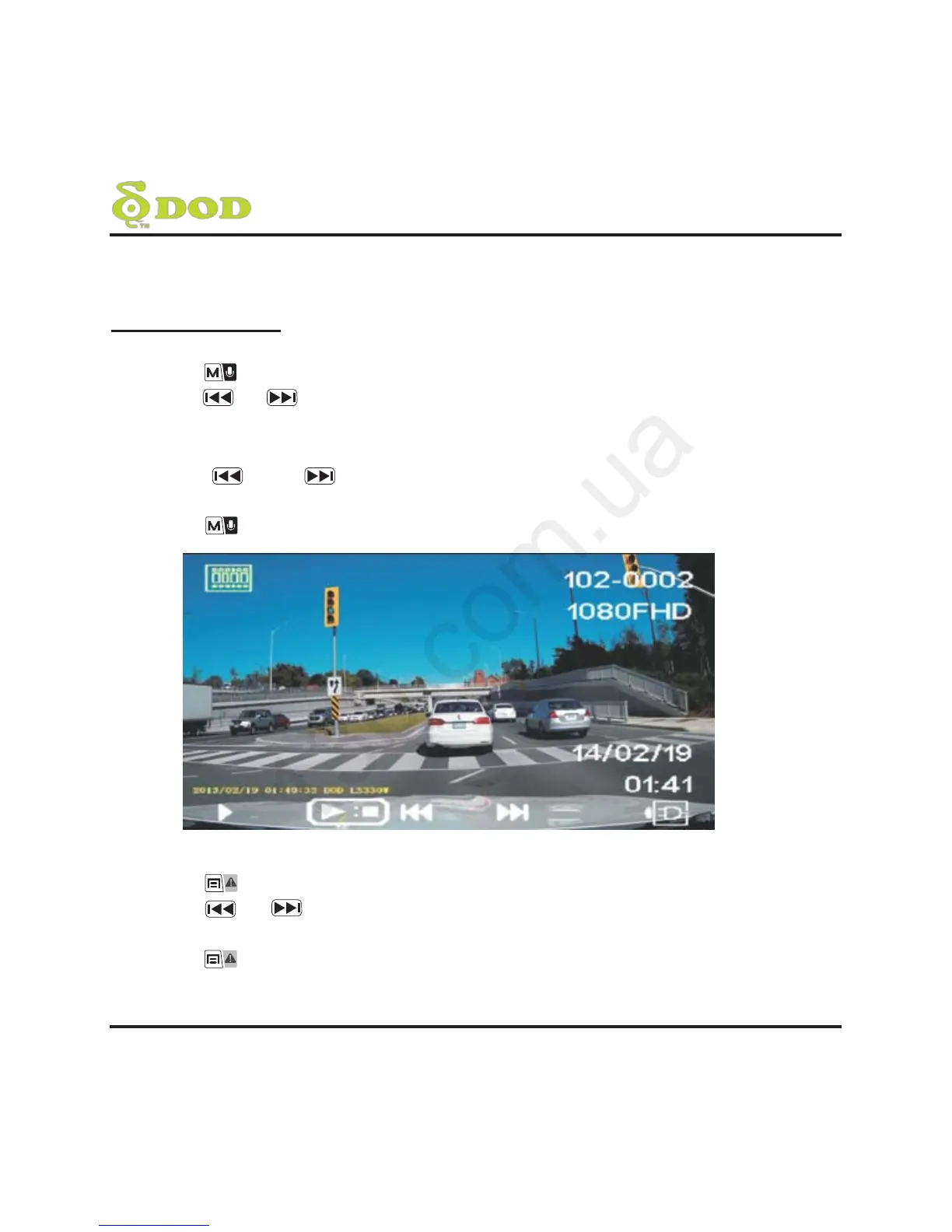
• Starting movie playing back
- Press [REC] to playback.
- Press [ ] and
[ ]
button to navigate.
- Press [REC] to pause it.
- Press
[ ]
to return to the Playback Mode.
• Delete, Protect and Slide Show
- Press
[ ]
- Press [ ] /
[ ]
to select Delete, Protect, Slide Show
- Press [REC] to confirm
- Press
[ ]
to exit menu.



 To Next Page