Turning ParkView® On Or Off — With Touch
Screen Radio
1. Turn the Radio on.
2. Press the “More” soft-key.
3. Press the “Settings” soft-key.
4. Press the “Safety & Driving Assistance” soft-key.
5. Press the check box soft key next to “Parkview®
Backup Camera” to enable/disable.
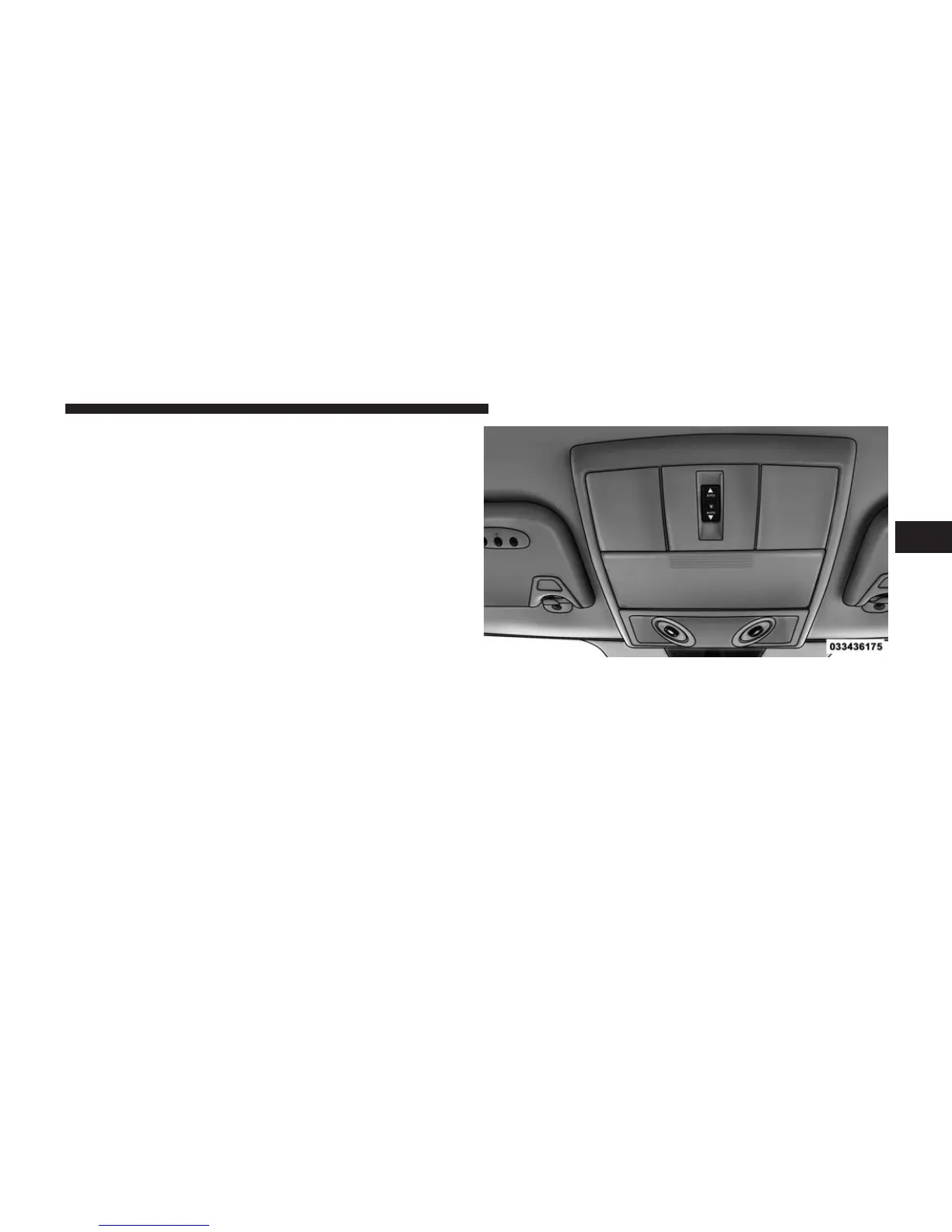
OVERHEAD CONSOLE
The overhead console contains courtesy/reading lights,
storage for sunglasses, an interior observation mirror and
an optional power sunroof switch.
Courtesy/Reading Lights
The overhead console has two courtesy lights. The lights
turn on when a front door, a sliding door or the liftgate is
opened. If your vehicle is equipped with Remote Keyless
Entry (RKE) the lights will also turn on when the
UNLOCK button on the RKE transmitter is pressed.
Overhead Console
3
UNDERSTANDING THE FEATURES OF YOUR VEHICLE 247



 To Next Page