Write down the SIRIUS ID numbers for your receiver. To
reactivate your service, either call the number listed on
the screen or visit the provider online.
NOTE:
SiriusXM Travel Link is a separate subscription.
UCONNECT® MULTIMEDIA — VIDEO
ENTERTAINMENT SYSTEM (VES)™ —
If Equipped
Getting Started
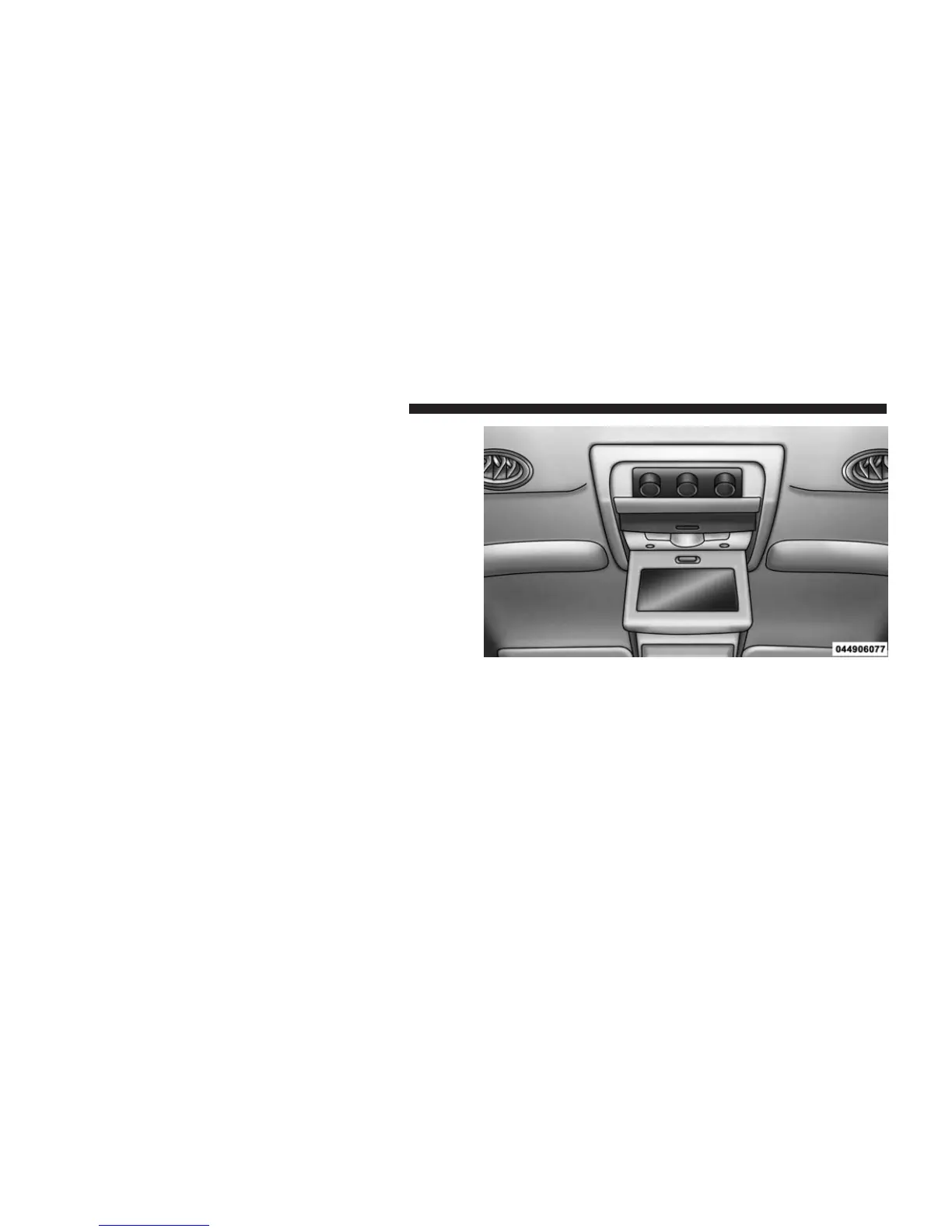
• Screen located in the overhead console: Unfold the
overhead LCD screen by pushing the button on the
overhead console behind the screen.
• With the ignition switch in the ON or ACC position,
turn the radio on by pushing the ON/OFF Volume
Control knob.
•
When the Video Screen are open and a DVD is inserted
into the radio, the screen turns on automatically, the
headphone transmitters turn on and playback begins.
Overhead Video Screen
342 UNDERSTANDING YOUR INSTRUMENT PANEL



 To Next Page