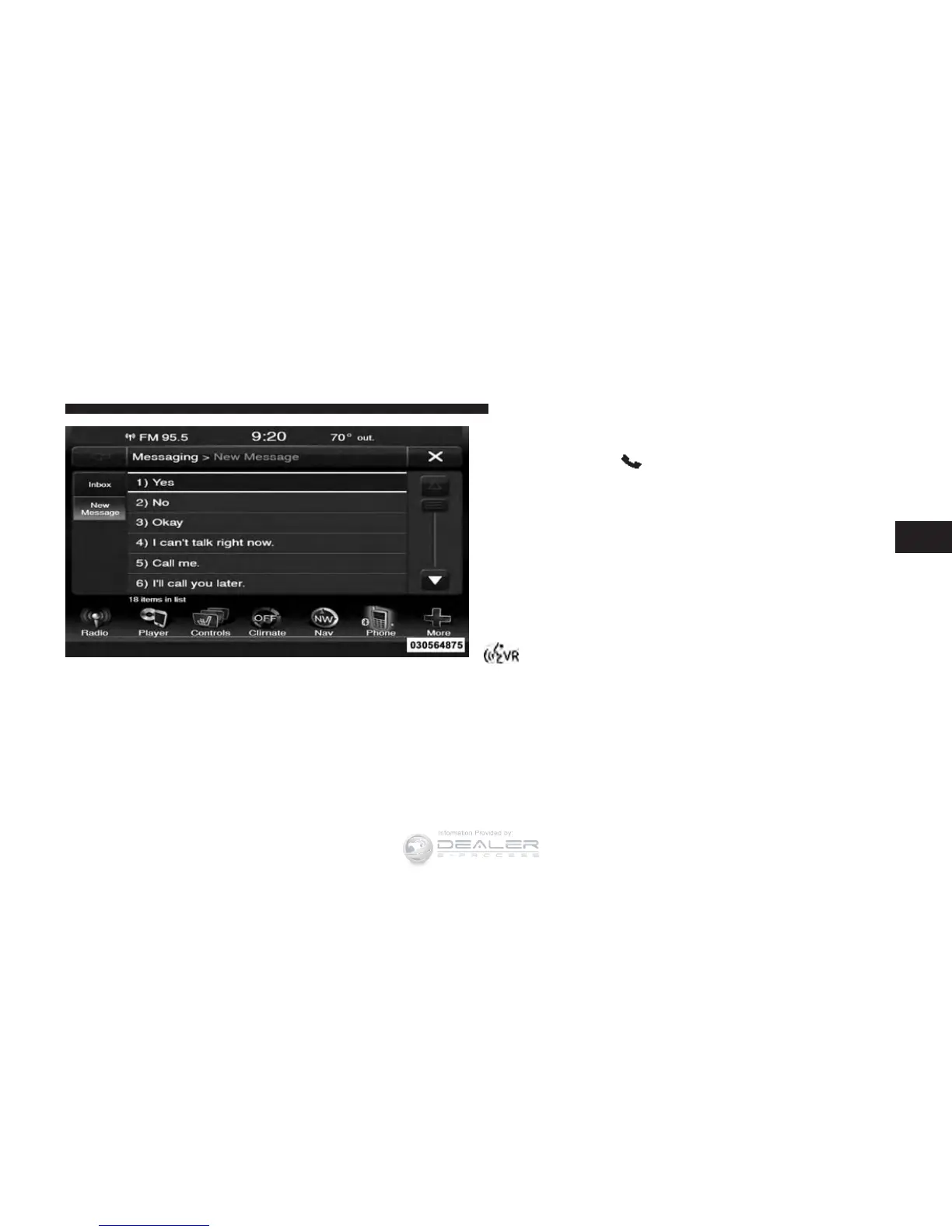
4. If multiple numbers are available for the contact select
which number you would like to have the message
sent.
5. Press “Send” or “Cancel.”
Send Messages Using Voice Commands:
1. Push the Phone
button.
2. After the “Listening” prompt and the following beep,
say “Send message to John Smith mobile.”
3. After the system prompts you for what message you
want to send, say the message you wish to send or say
“List.” There are 18 preset messages.
While the list of defined messages are being read, you can
interrupt the system by pushing the Voice Command
button and saying the message you want to send.
Preset Message List
3
UNDERSTANDING THE FEATURES OF YOUR VEHICLE 197













 To Next Page