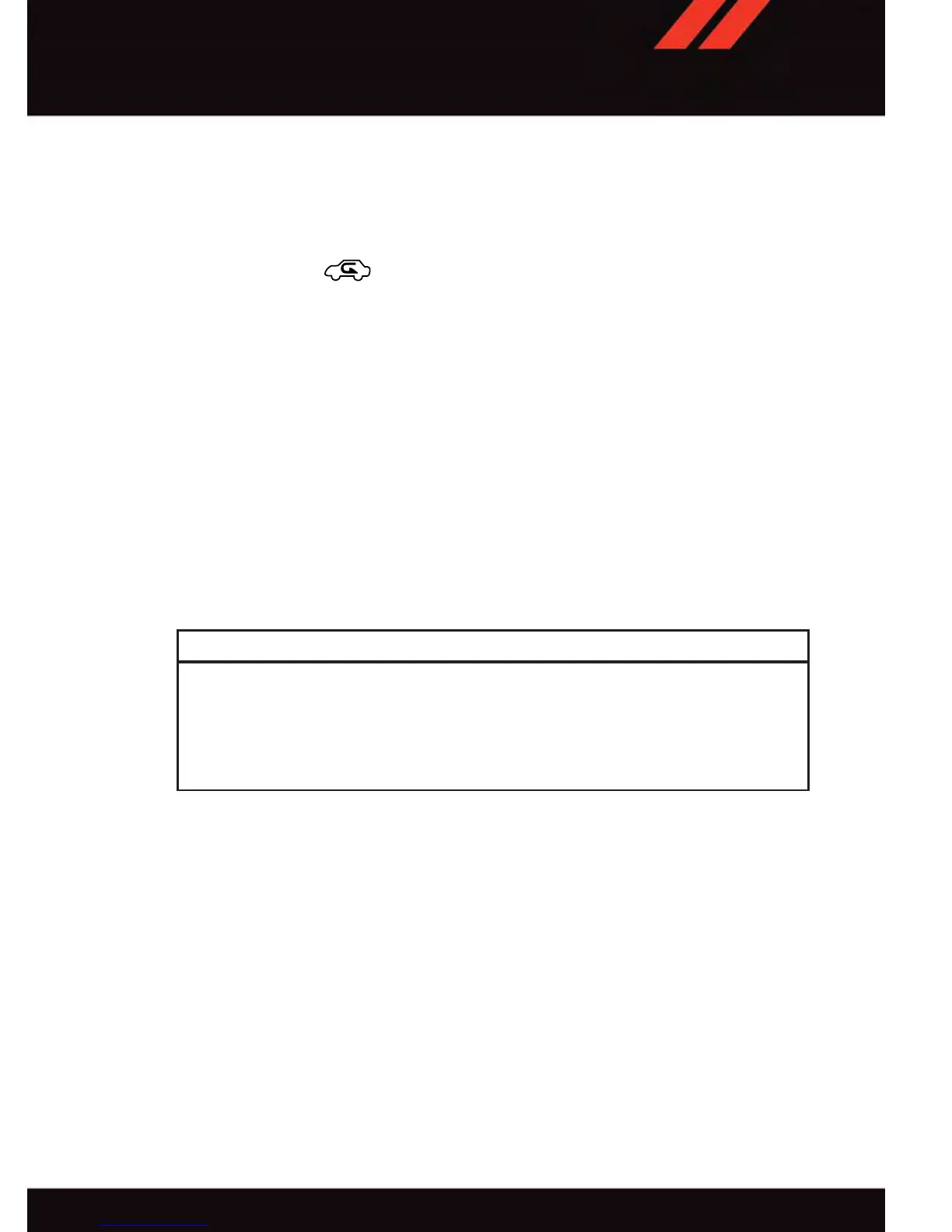
Air Conditioning (A/C)
• If the air conditioning button is pressed while in AUTO mode, the system will exit AUTO
mode and stay in A/C. The mode and blower will be set at the closest mode and blower
position that the system was operating in AUTO.
Air Recirculation / Max A/C
• Rotate the Temperature Control to the MAX A/C position to automatically turn on both
Air Conditioning and Recirculation.
• For window defogging, turn the recirculation button off.
• Recirculation is not allowed in defrost/floor (mix) modes for approximately five
minutes. Recirculation is allowed in floor mode.
PARKVIEW® REAR BACK-UP CAMERA
• You can see an on-screen image of the rear surroundings of your vehicle whenever the
shift lever is put into REVERSE. The ParkV iew
®
Rear Back-Up Camera image will be
displayed in the touchscreen display along with a caution note to “check entire
surroundings” across the top of the screen. After five seconds this note will disappear .
• If the rearview mirror or touchscreen display appears foggy, clean the ParkView
®
camera located above the licence plate.
WARNING!
Drivers must be careful when backing up; even when using the ParkView
®
Rear
Back-Up Camera. Always check carefully behind your vehicle, and be sure to check for
pedestrians, animals, other vehicles, obstructions, or blind spots before backing up.
You must continue to pay attention while backing up. Failure to do so can result in
serious injury or death.
OPERATING YOUR VEHICLE
35


 To Next Page