NOTE: If the indicator message illuminates when you
start the vehicle, the oil change indicator system did not
reset. If necessary, repeat this procedure.
EVIC Functions
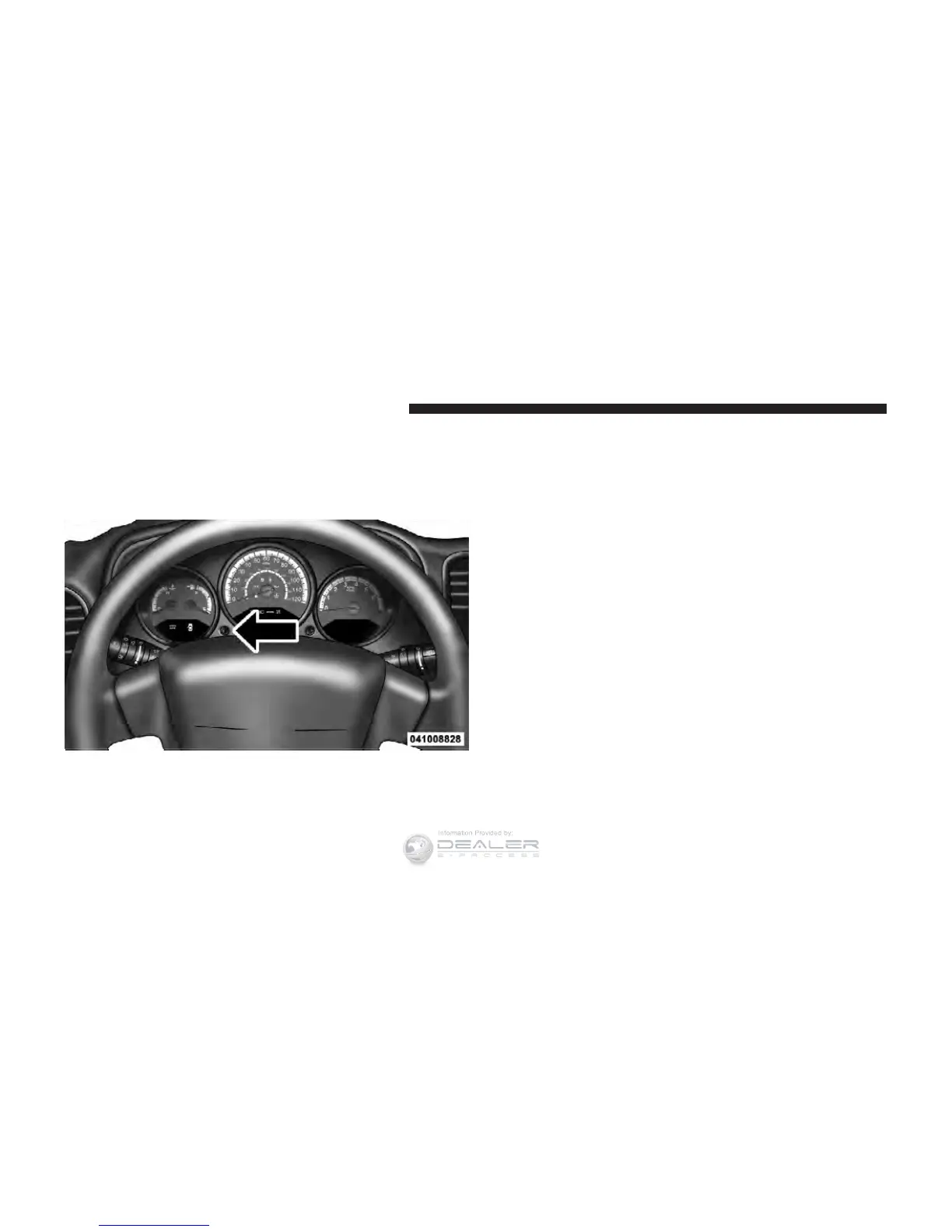
Press the EVIC button until one of the following func-
tions are displayed on the EVIC:
•
Compass/Temperature/Audio
•
Average Fuel Economy
•
Distance To Empty (DTE)
•
Elapsed Time
•
Tire Pressure Monitor (TPM)
•
Personal Settings
To Reset The Display
Pressing and holding the EVIC button once will clear the
function currently being displayed. Reset will only occur
if a resettable function is currently being displayed.
Compass/Temperature/Audio
Press and release the EVIC button to display one of eight
compass headings to indicate the direction the vehicle is
facing, the outside temperature, and the current radio
station.
EVIC Button
218 UNDERSTANDING YOUR INSTRUMENT PANEL











 To Next Page