To Activate
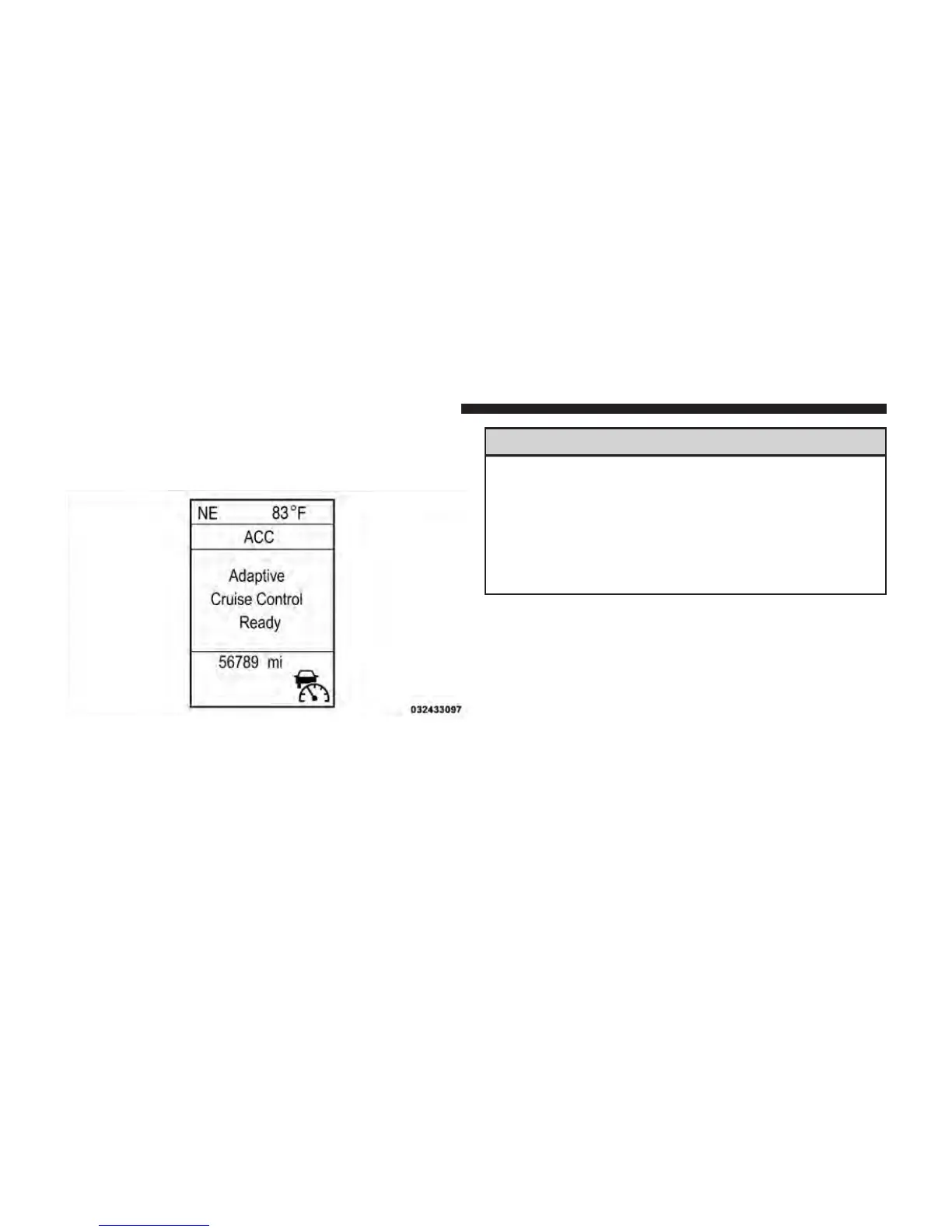
Push and release the ON/OFF button. The ACC menu in
the EVIC displays “Adaptive Cruise Ready.”
To turn the system OFF, push and release the ON/OFF
button again. At this time, the system will turn off and
the EVIC will display “Adaptive Cruise Control Off.”
WARNING!
Leaving the Adaptive Cruise Control (ACC) system
on when not in use is dangerous. You could acciden-
tally set the system or cause it to go faster than you
want. You could lose control and have a collision.
Always leave the system off when you are not using
it.
To Set A Desired ACC Speed
When the vehicle reaches the speed desired, push the
SET - button and release. The EVIC will display the set
speed.
Adaptive Cruise Control Ready
170 UNDERSTANDING THE FEATURES OF YOUR VEHICLE















 To Next Page