WARNING!
Forward Collision Warning (FCW) is not intended to
avoid a collision on its own, nor can FCW detect
every type of collision. The driver has the responsi-
bility to avoid a collision by controlling the vehicle
via braking and steering. Failure to follow this warn-
ing could lead to serious injury or death.
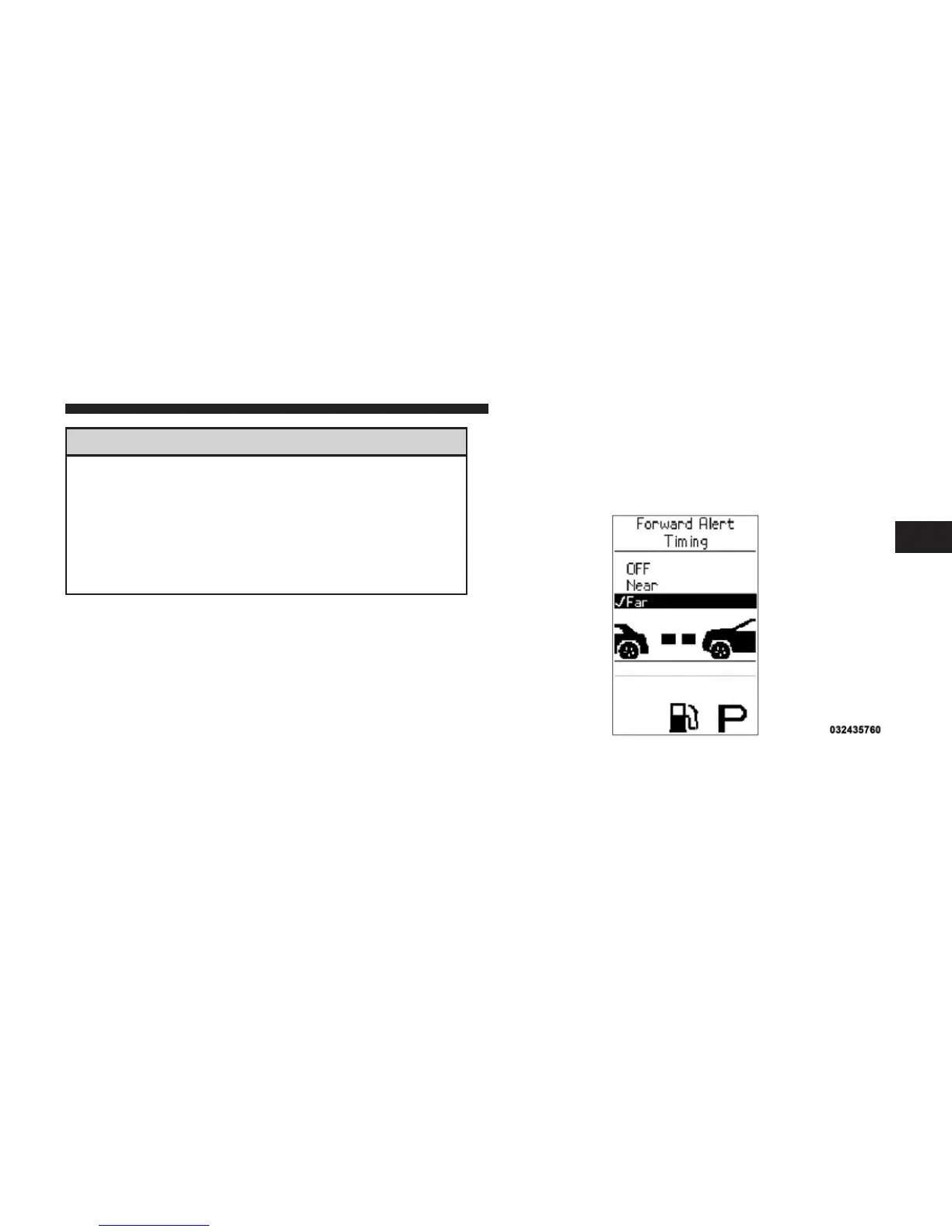
Changing FCW Status
The FCW feature can be set to far, set to near or turned off
in the Electronic Vehicle Information Center (EVIC) refer
to “Electronic Vehicle Information Center (EVIC)” in
“Understanding Your Instrument Panel” for further in-
formation. The FCW Status Off, Near or Far will be
displayed in the EVIC.
FCW settings can only be changed when the vehicle is in
PARK.
The default status of FCW is the “Far” setting, this allows
the system to warn you of a possible collision with the
vehicle in front of you when you are farther away. This
gives you the most reaction time.
Changing the FCW status to the “Near” setting, allows
the system to warn you of a possible collision with the
Example Only
3
UNDERSTANDING THE FEATURES OF YOUR VEHICLE 189















 To Next Page