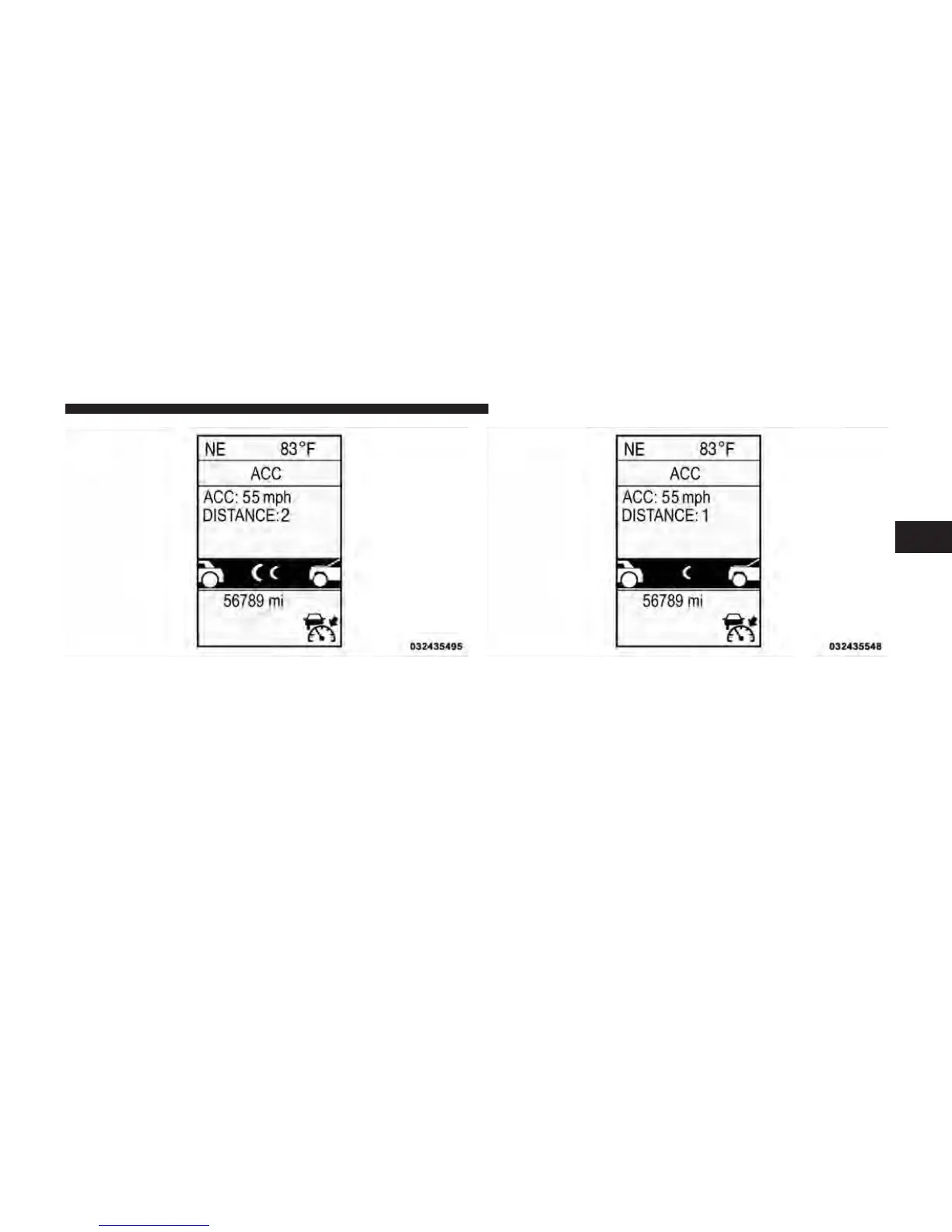
To change the distance setting, press the Distance button
and release. Each time the button is pressed, the distance
setting adjusts between long, medium, and short.
If there is no vehicle ahead, the vehicle will maintain the
set speed. If a slower moving vehicle is detected in the
Distance Setting 2 Distance Setting 1
3
UNDERSTANDING THE FEATURES OF YOUR VEHICLE 175















 To Next Page