Using The Touchscreen Radio
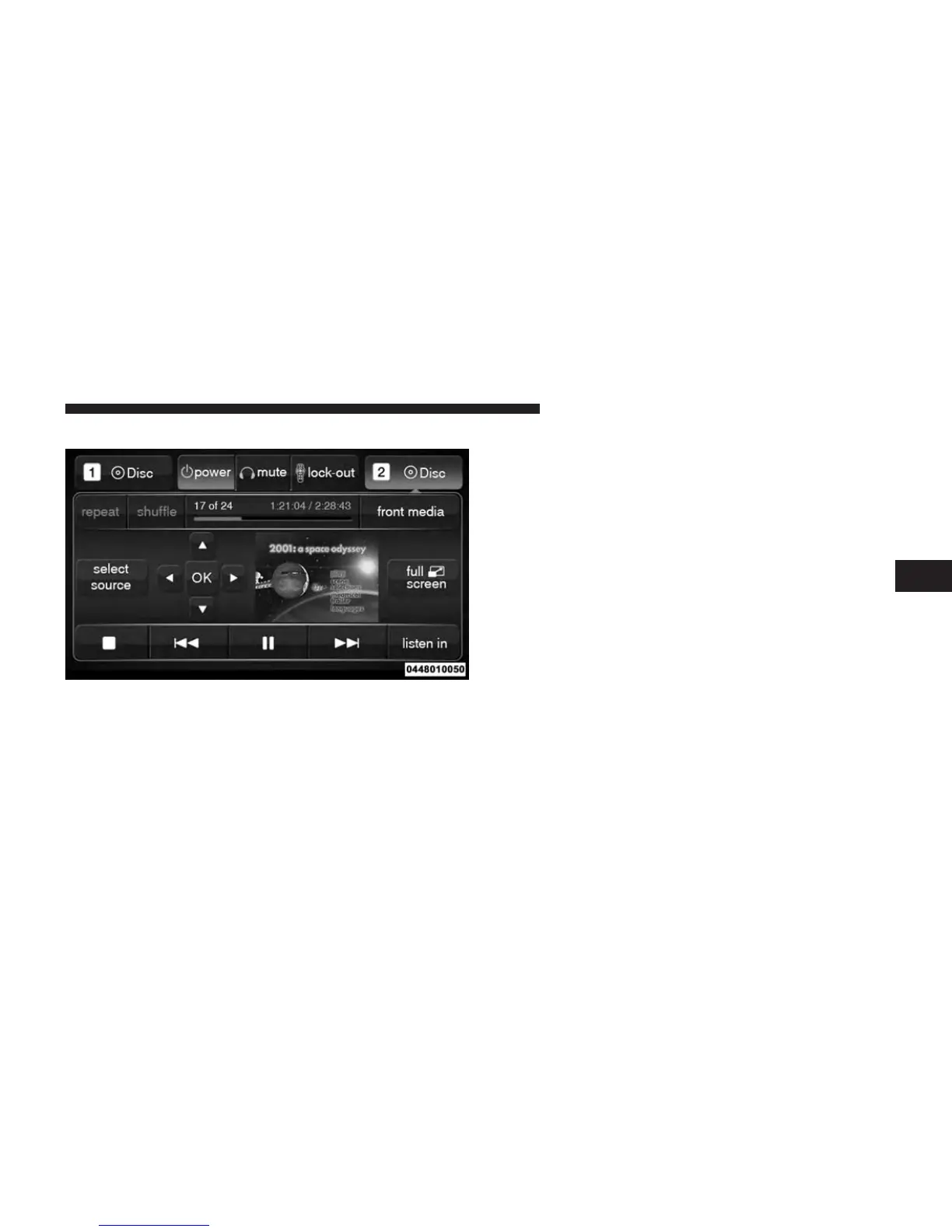
• Press the Media soft-key, then touch the Rear Media
soft key.
• Touch the OK soft-key to begin playing the Blu-ray™
Disc on the touchscreen radio.
Using The Remote Control
• Select an audio channel (Rear 1 for driver’s side rear
screen and Rear 2 for passenger’s side rear screen),
then press the source key and using the up and down
arrows, highlight disc from the menu and press the OK
button.
• Press the popup/menu key to navigate the disc menu
and options.
Play Video Games
Connect the video game console to the Auxiliary RCA/
HDMI input jacks located on the side of each seat.
Rear Media Control Screen
4
UNDERSTANDING YOUR INSTRUMENT PANEL 363















 To Next Page