PRODUCTS, AND IS IN LIEU OF ALL OTHER WAR-
RANTIES (EXPRESS OR IMPLIED), INCLUDING ANY
WARRANTY OR MERCHANTABILITY OR FITNESS FOR
A PARTICULAR PURPOSE.
If you have any questions or comments regarding your
Unwired® wireless headphones, please phone 1-888-293-
3332 or email customersupport@unwiredtechnology.com.
You may register your Unwired® wireless headphones
online at www.unwiredtechnology.com or by phone at
1-888-293-3332.
System Information
Disc Menu
When listening to a CD Audio or CD Data disc, pressing
the remote control’s POP UP/MENU button displays a
list of all commands which control playback of the disc.
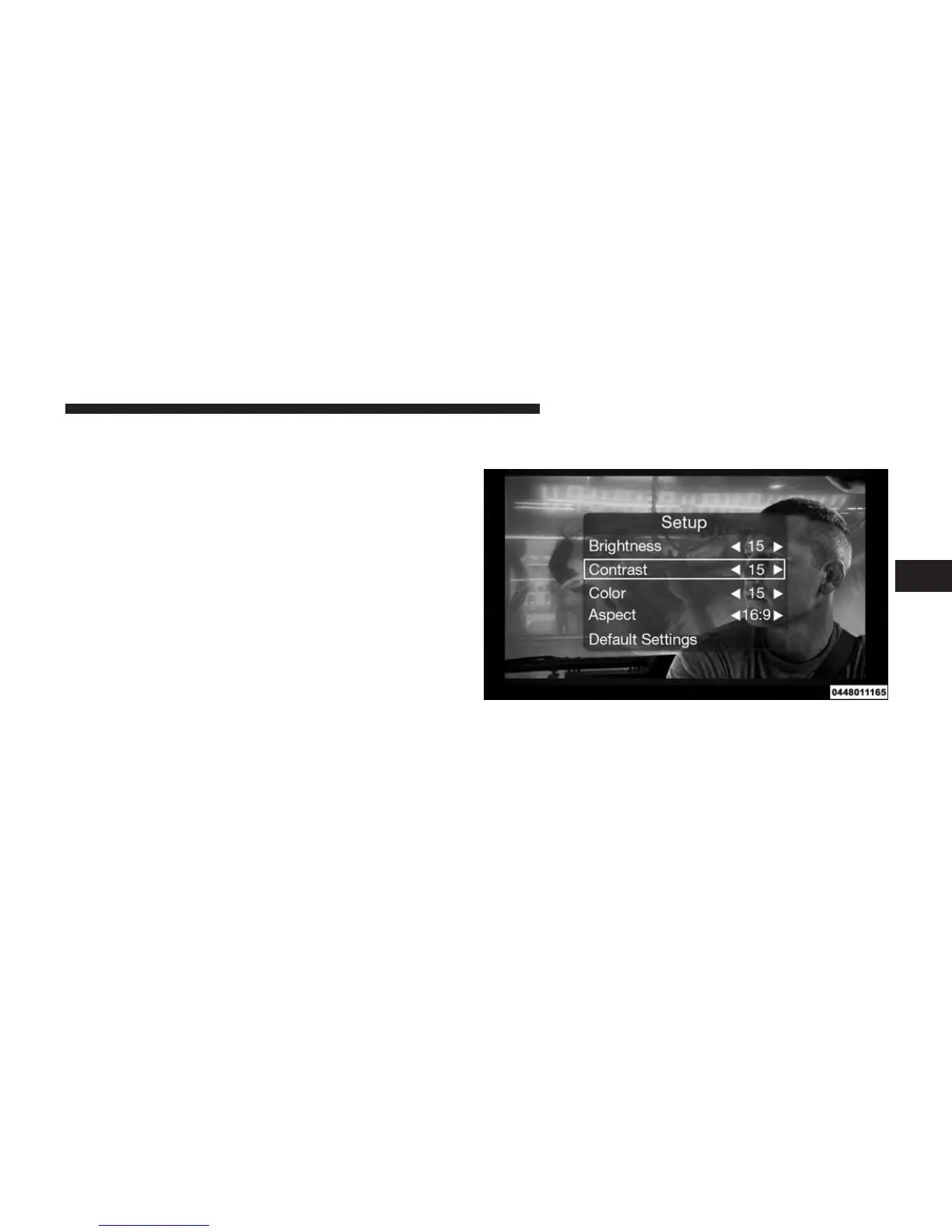
Display Settings
When watching a video source (Blu-ray™ Disc or DVD
Video with the disc in Play mode, Aux Video, etc.),
pressing the remote control’s SETUP button activates the
Video Screen Display Settings
4
UNDERSTANDING YOUR INSTRUMENT PANEL 373















 To Next Page