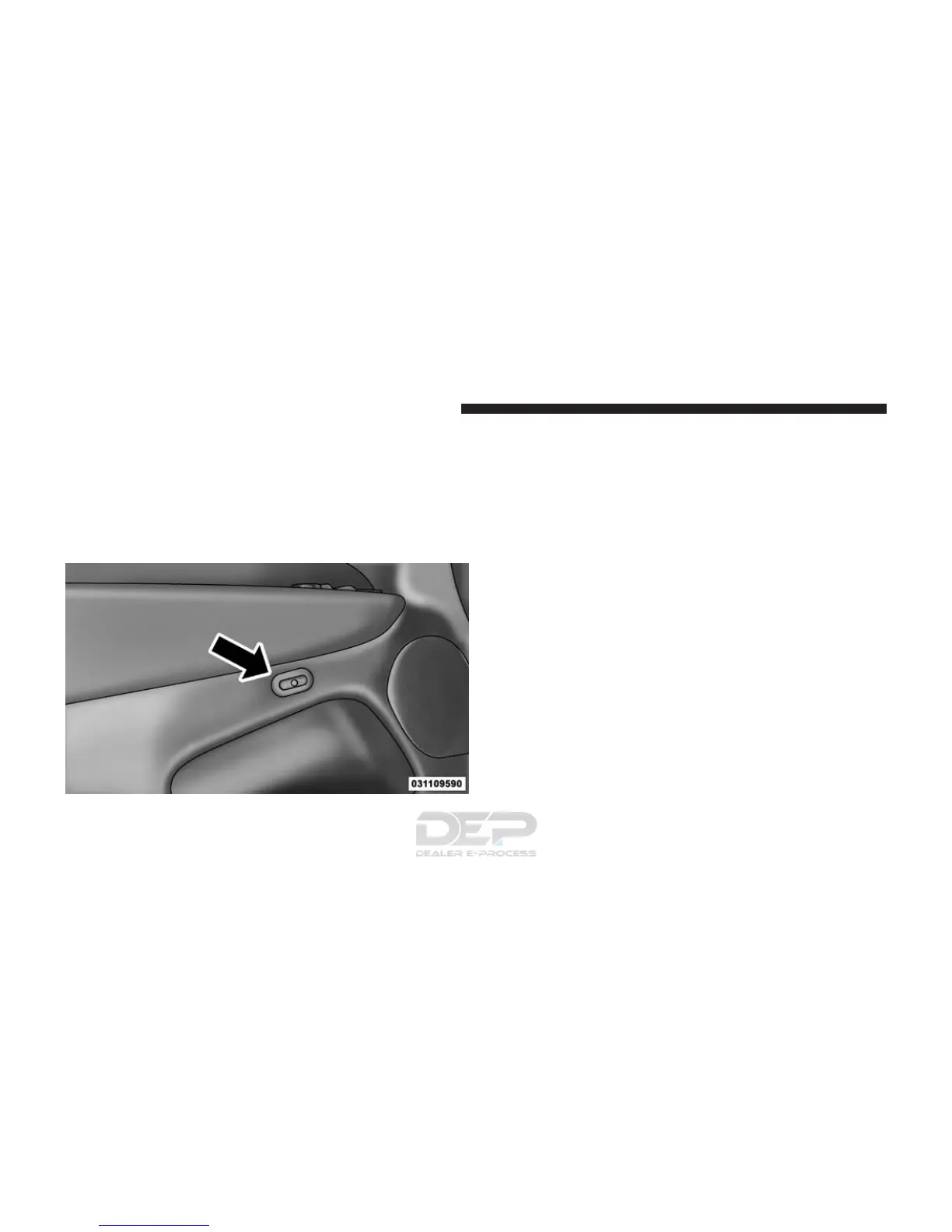
The memory seat switch is located on the driver’s door
trim panel. The switch consists of three buttons:
• The (S) button, which is used to activate the memory
save function.
• The (1) and (2) buttons which are used to recall either
of two pre-programmed memory profiles.
Programming The Memory Feature
NOTE: To create a new memory profile, perform the
following:
1. Cycle the vehicles ignition to the ON/RUN position
(Do not start the engine).
2. Adjust all memory profile settings to desired prefer-
ences (i.e., seat, side mirror, power tilt and telescopic
steering column [if equipped], and radio station pre-
sets).
3. Push and release the S (Set) button on the memory
switch.
4. Within five seconds, push and release either of the
memory buttons (1) or (2). The Driver Information
Display (DID) will display which memory position
has been set.
Memory Seat Switch
168 UNDERSTANDING THE FEATURES OF YOUR VEHICLE















 To Next Page