Getting Started
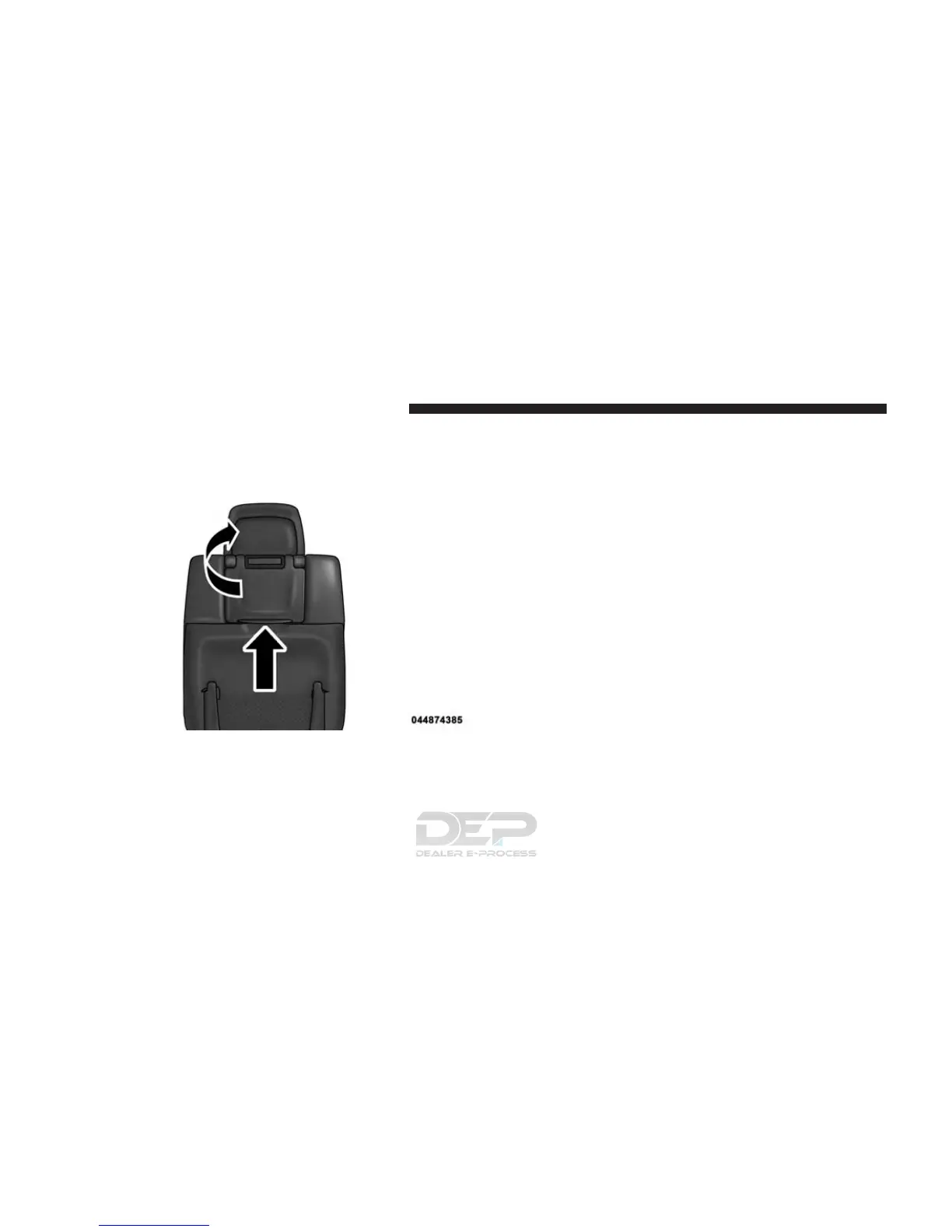
• Screen(s) located in the rear of front seats: Open the
LCD screen cover by lifting up on cover.
• Place the ignition in the ON or ACC position.
• Your vehicle may be equipped with a Blu-ray Disc
Player. If equipped with a Blu-ray Disc Player, the icon
will be present on the Player.
• Turn on the Rear Seat Entertainment system by push-
ing the Power button on the remote control.
• When the Video Screen(s) are open and a DVD/Blu-
ray Disc is inserted into the Disc player, the screen(s)
turn(s) ON automatically, the headphone transmitters
turn ON and playback begins.
RSE System Screen
382 UNDERSTANDING YOUR INSTRUMENT PANEL















 To Next Page