Previous Track
Use the SEEK DOWN button, or press the VR button on
the radio and say “Previous Track” to jump to the
previous track music on your cellular phone.
Browse
Browsing is not available on a BTSA device. Only the
current song that is playing will display info.
UCONNECT™ MULTIMEDIA VIDEO
ENTERTAINMENT SYSTEM (VES)™ —
IF EQUIPPED
Getting Started
•
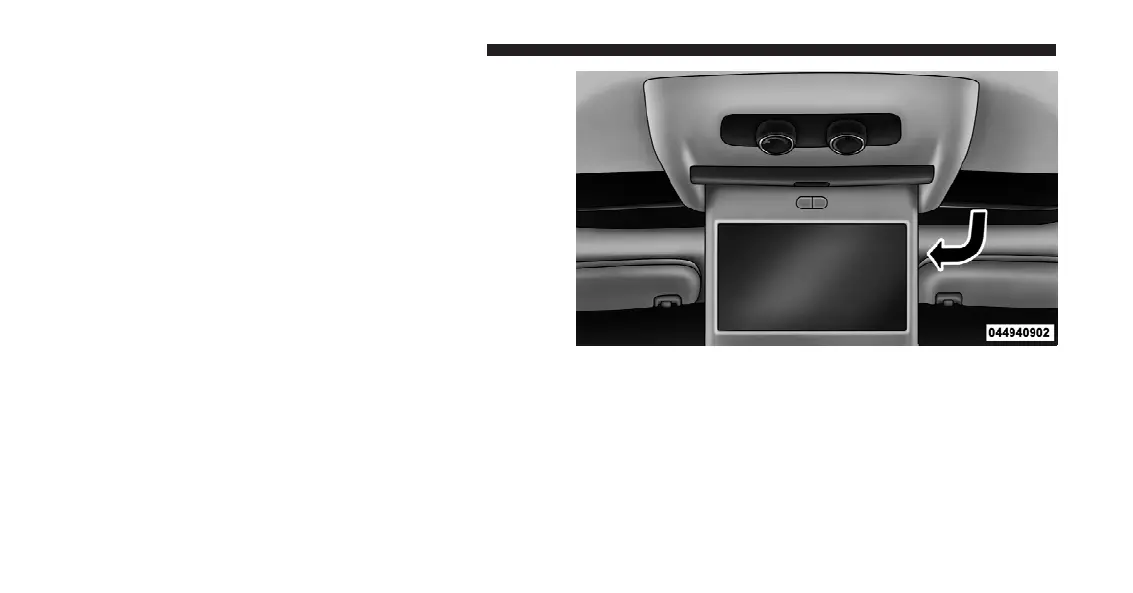
Screen located in the overhead console: Unfold the
overhead LCD screen by pushing the button in the
center of the overhead console behind the screen.
•
With the ignition switch in the ON or ACC position,
turn the radio on by pushing the ON/OFF Volume
Control knob.
Overhead Video Screen
372 UNDERSTANDING YOUR INSTRUMENT PANEL















 To Next Page