Complete the pairing procedure
• A PIN code should appear on radio touch screen as well as on mobile device.
• Please ensure that these codes are the same, and if so accept the pairing on both.
• Pairing procedure is now complete.
Select the mobile phone's priority level
• When the pairing process has successfully completed, the system will prompt you to
choose whether or not this is your favorite phone. Selecting Y es will make this phone the
highest priority. This phone will take precedence over other paired phones within range.
Only one phone can be paired at a time.
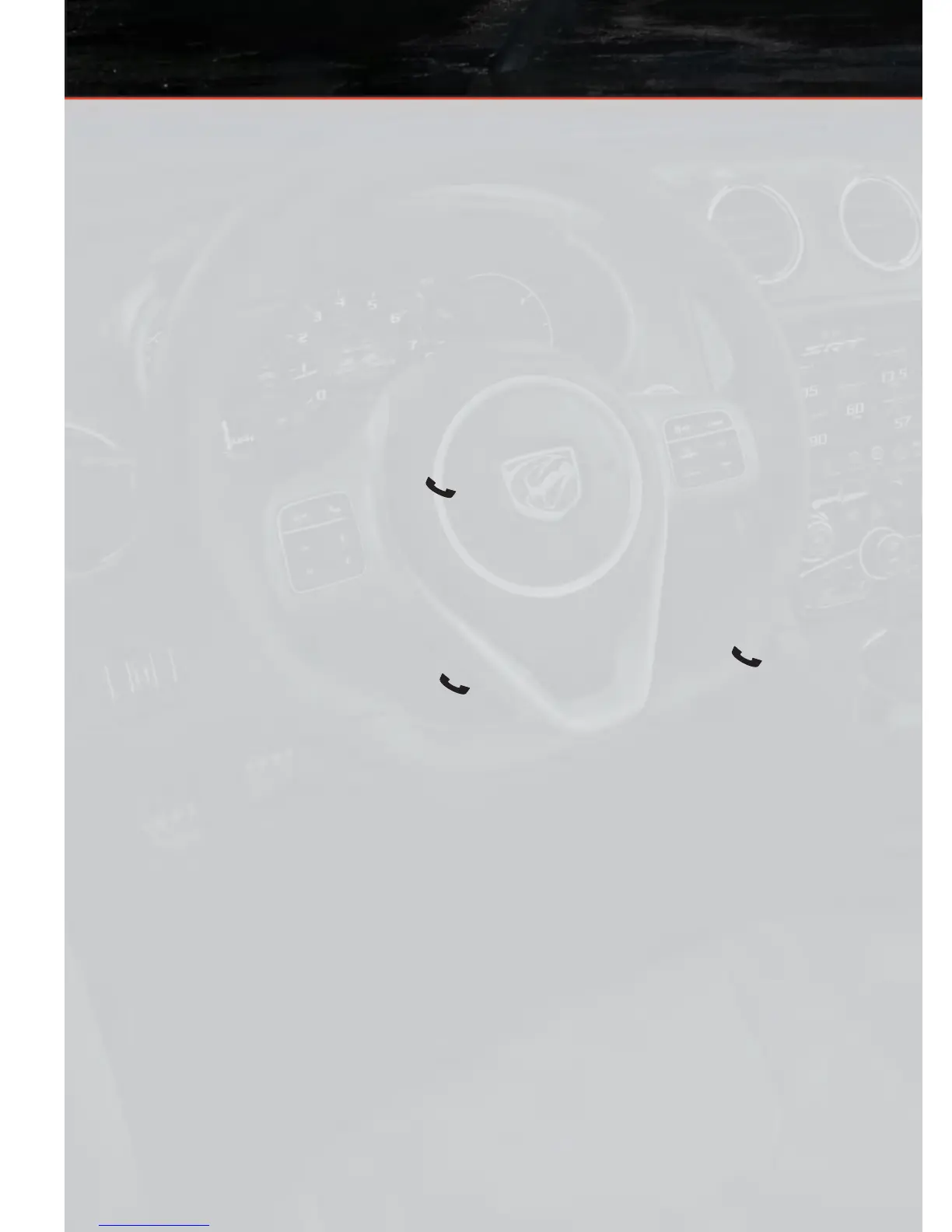
• Y ou are now ready to make hands-free calls. Press the Uconnect™ Phone button on
your steering wheel to begin.
Making A Phone Call
• Press the Uconnect™ Phone button .
• (After the BEEP), say “dial” then the number (or “call” then the name as listed in your
phone; see Phonebook).
NOTE:
You can also initiate a call by using the touch-screen on the Phone main screen.
Receiving A Call – Accept (And End)
•
When an incoming call rings/is announced on Uconnect™, press the Phone button .
• To end a call, press the Phone button .
Mute (Or Unmute) Microphone During Call
• During a call, touch the mute soft-key on the Phone main screen to mute and unmute
the call.
Transfer Ongoing Call Between Handset And Vehicle
• During a call, touch the Transfer soft-key on the Phone main screen to transfer an
on-going call between handset and vehicle.
Common Phone Commands (Examples)
• “Call John Smith”
• “Call John Smith mobile”
• “Dial 1 248 555 1212
• “Call Emergency”
• “Call Towing Assistance”
• “Redial”
ELECTRONICS
40








 To Next Page