Engine Hours
Push and release the UP or DOWN arrow button until
“Engine Hours” is highlighted in the DID. Push and
release the RIGHT arrow button, and the engine hours
will be displayed.
Intake Air Temp.
Push and release the UP or DOWN arrow button until
“Intake Air Temp.” is highlighted in the DID. Push and
release the RIGHT arrow button, and the intake air
temperature will be displayed.
Current Torque
Push and release the UP or DOWN arrow button until
“Current Torque” is highlighted in the DID. Push and
release the RIGHT arrow button, and the current torque
will be displayed.
Current Power
Push and release the UP or DOWN arrow button until
“Current Power” is highlighted in the DID. Push and
release the RIGHT arrow button, and the current power
will be displayed.
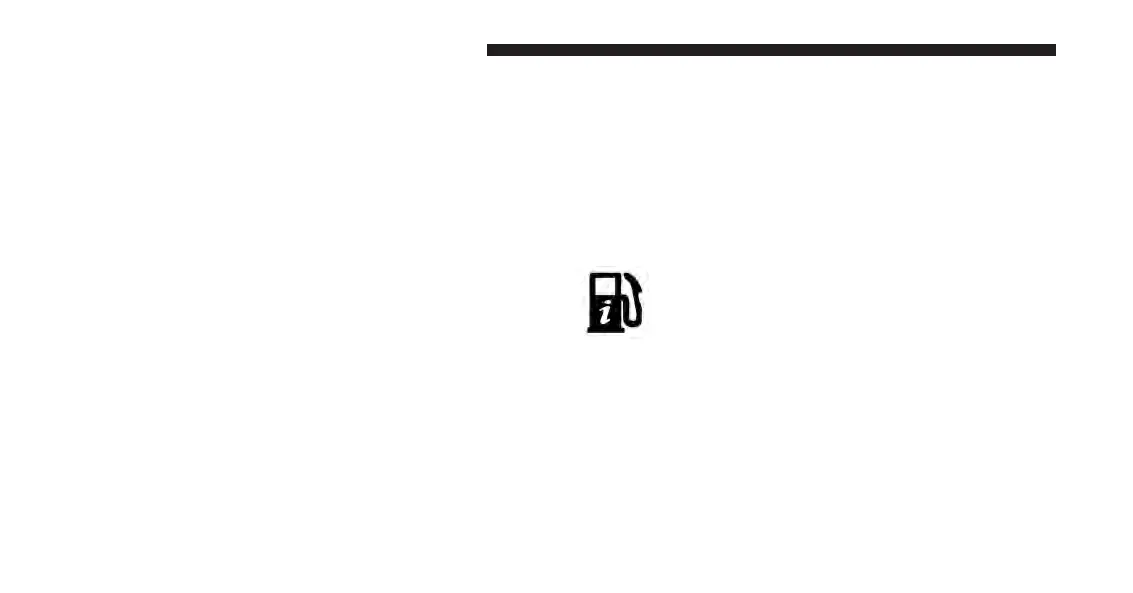
Fuel Economy
Push and release the UP or DOWN arrow
button until the Fuel Economy icon is high-
lighted and the following will display:
Range To Empty (RTE)
Average Fuel Economy/Miles Per Gallon (MPG Bar-
graph)
Current Miles Per Gallon (MPG)
180 UNDERSTANDING YOUR INSTRUMENT PANEL








 To Next Page