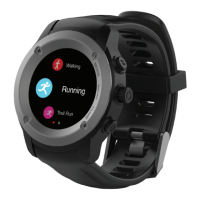
3.5 Quick access to sporting modes:
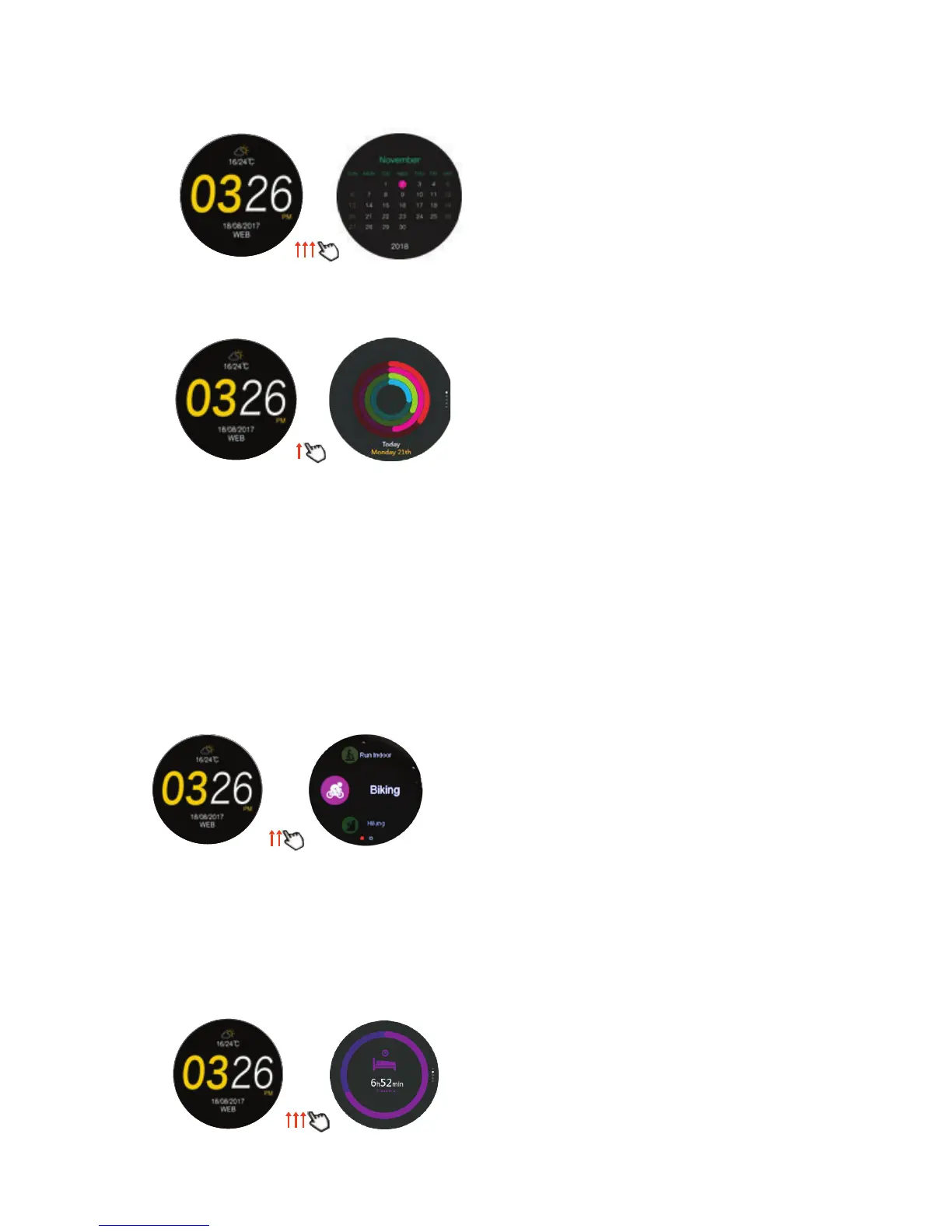
3.5.1 Includes hiking, walking, running, trail run, indoor run, biking.
3.5.2 See section 8 for function details.
Sport
Main screen
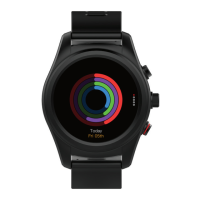
3.4 Daily Activity monitor: (swipe up once)
Today’s
step activity
Main screen
3.4.1 Tap and swipe up or down to see; day’s steps taken, goal setting, GPS
distance covered, and calories consumed.
3.4.2 Tap on actual measurement to see graphic depiction of daily exercise.
3.4.3 Goal editing: Tap on icon to reset goals for steps taken, distance travelled,
calories burned, daily stepping duration.
Sleep
3.6 Sleep monitor:
3.6.1 Tap to see most recent sleep details (scroll down to see light sleep
/deep sleep): also indicates your settings for bedtime and wake time.
3.6.2 Scroll right to left and tap on goals to edit bedtime, waketime.
Main screen
3.3 Calendar:
3.3.1 Indicates current date: swipe left or right for historical / future months.
Calendar
Main screen


 To Next Page
 Loading...