36 37
UNDERSTANDING YOUR TRAINING
SYSTEM
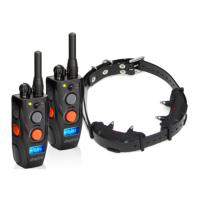
1. HOW TO TURN THE ARC 800 ON/OFF
To turn the handheld transmitter on, hold down the button
on the right side of the transmitter until the LCD screen
illuminates. To turn the transmitter o, hold down the same
button on the right side of the transmitter until the LCD
screen shuts o.
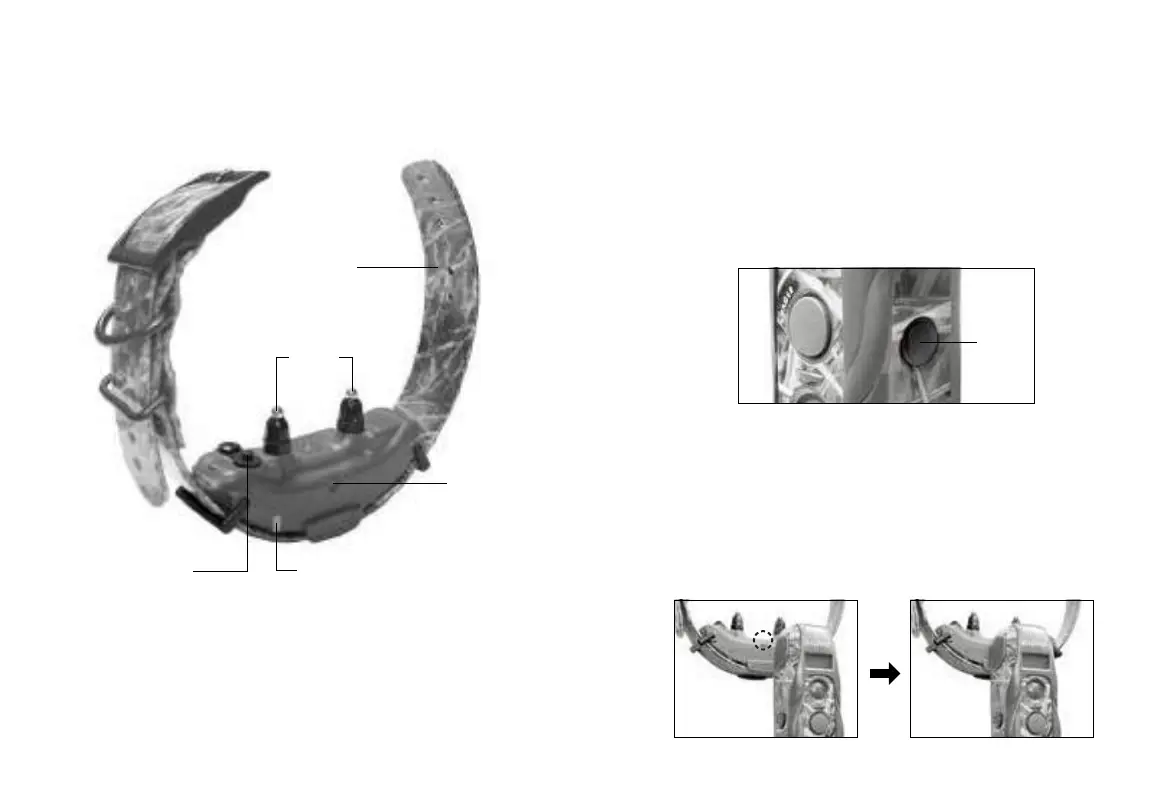
To activate the receiver/collar, place the red dot on the back
of the transmitter to the red dot on the receiver/collar. Hold
the two red dots together for a moment until the LED light
on the receiver/collar comes on.
To deactivate the unit, repeat the same procedure holding
the two red dots together momentarily. The LED light will
turn red for a brief moment indicating that the receiver/
collar is now shut o.
Receiver/Collar
Contact
points
Collar strap
Battery charging
receptacle &
rubber plug
Indicator light
(LED window)
On/o
magnetic
switch
red dot
On/o
switch


 To Next Page