9
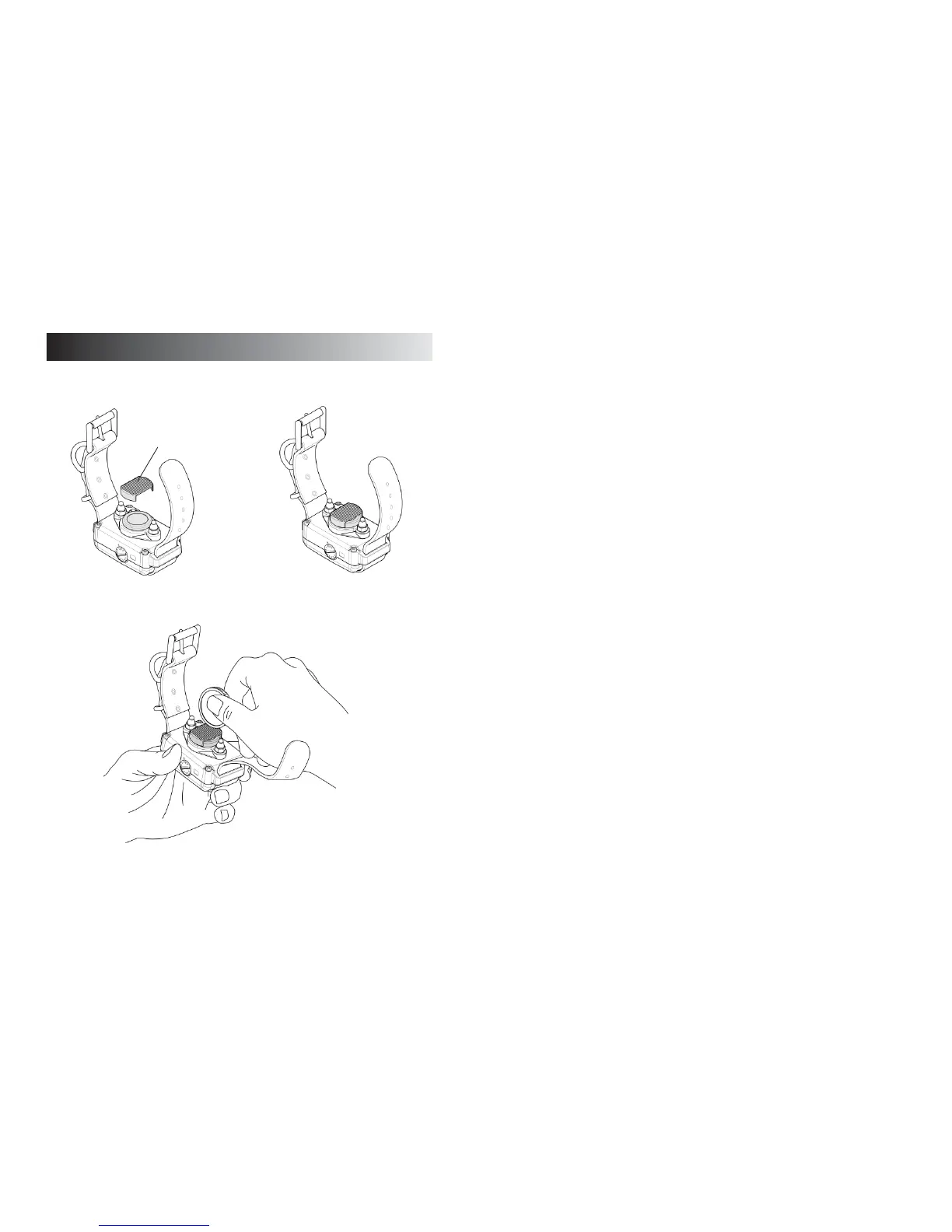
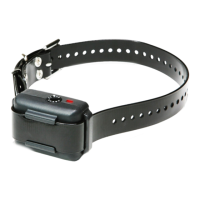
1) Turn on the “No Bark Collar” by turning the intensity
dial clockwise and set it on level seven.
2) Fit the test tool on the sensor of the collar.
3) Test by scratching the rough surface of the test tool
on the collar (as shown in the diagram) using a coin.
When the light comes on, wait for 15 seconds, then
repeat the same process once more.
8
TESTING THE NO BARK COLLAR
Test Tool


 To Next Page