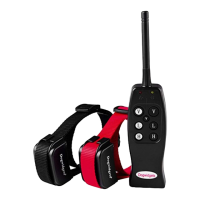
Operating the collar:
1) Power on the collar by holding the power button for 3 seconds and the red light of the collar will turn on. To power off
the collar, push the power button again for 3 seconds and the red light will turn off.
2) Don't let your dogs submerge the collars in the water as the collars are only water-resistant(Not waterproof).
Shock durations:
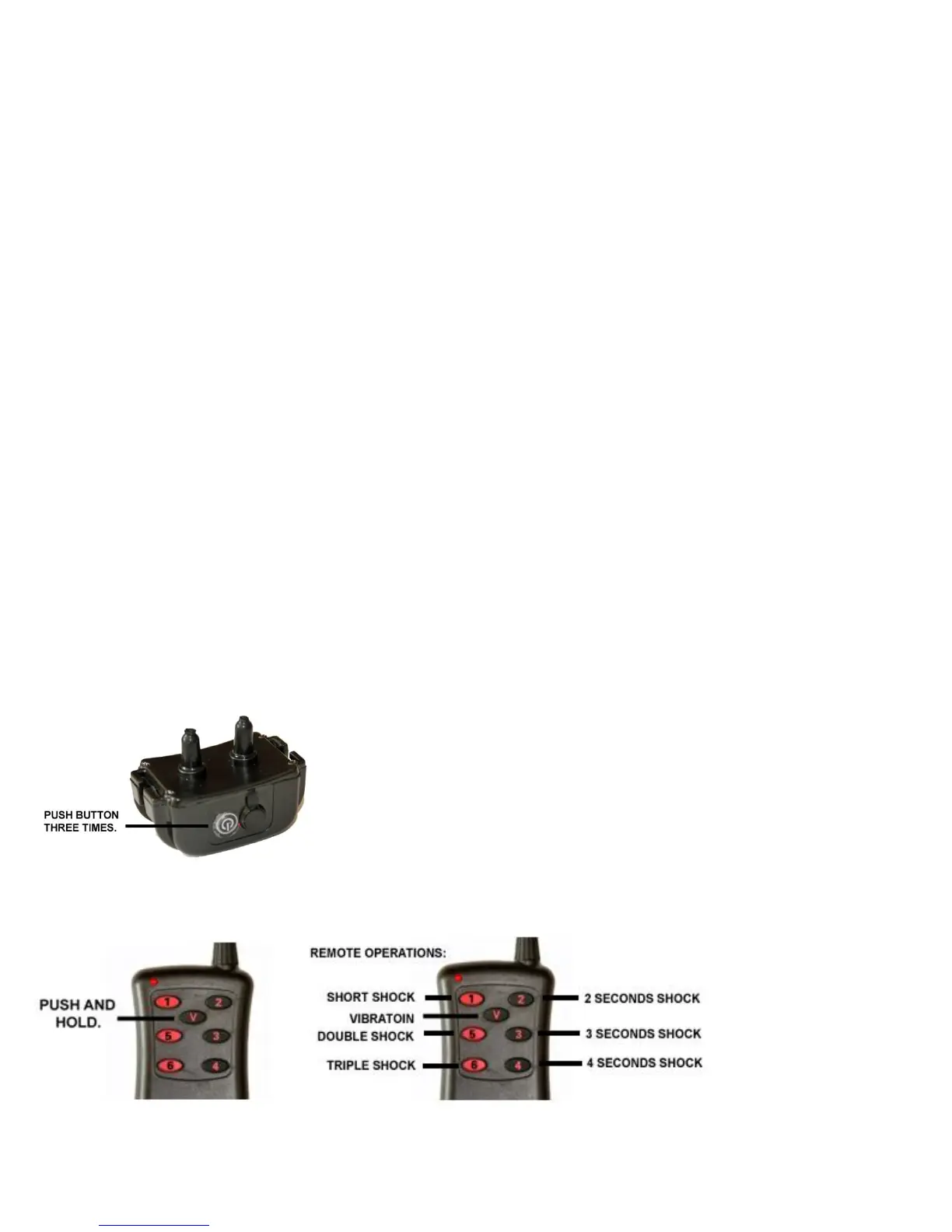
Number 1 button has the shortest shock, number 2, 3 and 4 has longer shocks while number 5 and 6 will give a double and
triple shock.
Training tips:
1) Familiarize the collars and the remote control and check the collars if they are working properly and safely before
putting them on your dogs.
2) Always start with the vibration correction before using the shock correction. Most dogs will respond to the vibration
correction.
3) Remove the collar if you're done training your dog and power off the collar to save the battery life. For safety purposes,
don't let your dog wear the collar if you're not training your dog.
3) Always praise your dog after a punishment.
Troubleshooting the collars:
1) The collar has a built-in Lithium-Ion battery that can be charge by the wall charger or on the USB port of the computer.
If the collar won't hold a charge by the wall charger, try charging the collar on the USB port of the computer, if the collar
charges on the USB port then the wall charger needs to be replaced.
2) If the collar has power but won't respond to the remote control or would only work half the time, then the collar needs to
reset.
3) The red light of the remote will turn solid if the battery is fresh, if the red light flashes or doesn't go solid then the 9-volt
battery needs to be replaced. Also double check the battery if it's properly installed by following the diagram inside the
battery compartment.
Follow these steps on how to reset the collar:
1) To reset the collar, push the power button 3 time and the red led light of the collar will start flashing.
2) Then push and hold the "V" button of the remote for the corresponding collar right after the red led light of the collar
starts to flash and keep holding the "V" button until the collar vibrates.
6 months replacement warranty:
The collar comes with a 6 months warranty, contact us at our email address sales@dogwidgets.com for technical support,
replacement parts and replacement warranty.



 To Next Page
 Loading...