13 Checking content for validity
The IMS3000 enables you to perform content integrity and sanity checks.
•
Performing the integrity check
•
Performing the sanity check
13.1 Performing the integrity check
You can perform an integrity check for the content on the .
About this task
The Integrity check verifies the size of the different components of CPL are what is expected
with hash checks.
Procedure
1. Click Content.
2. Select the CPL to check.
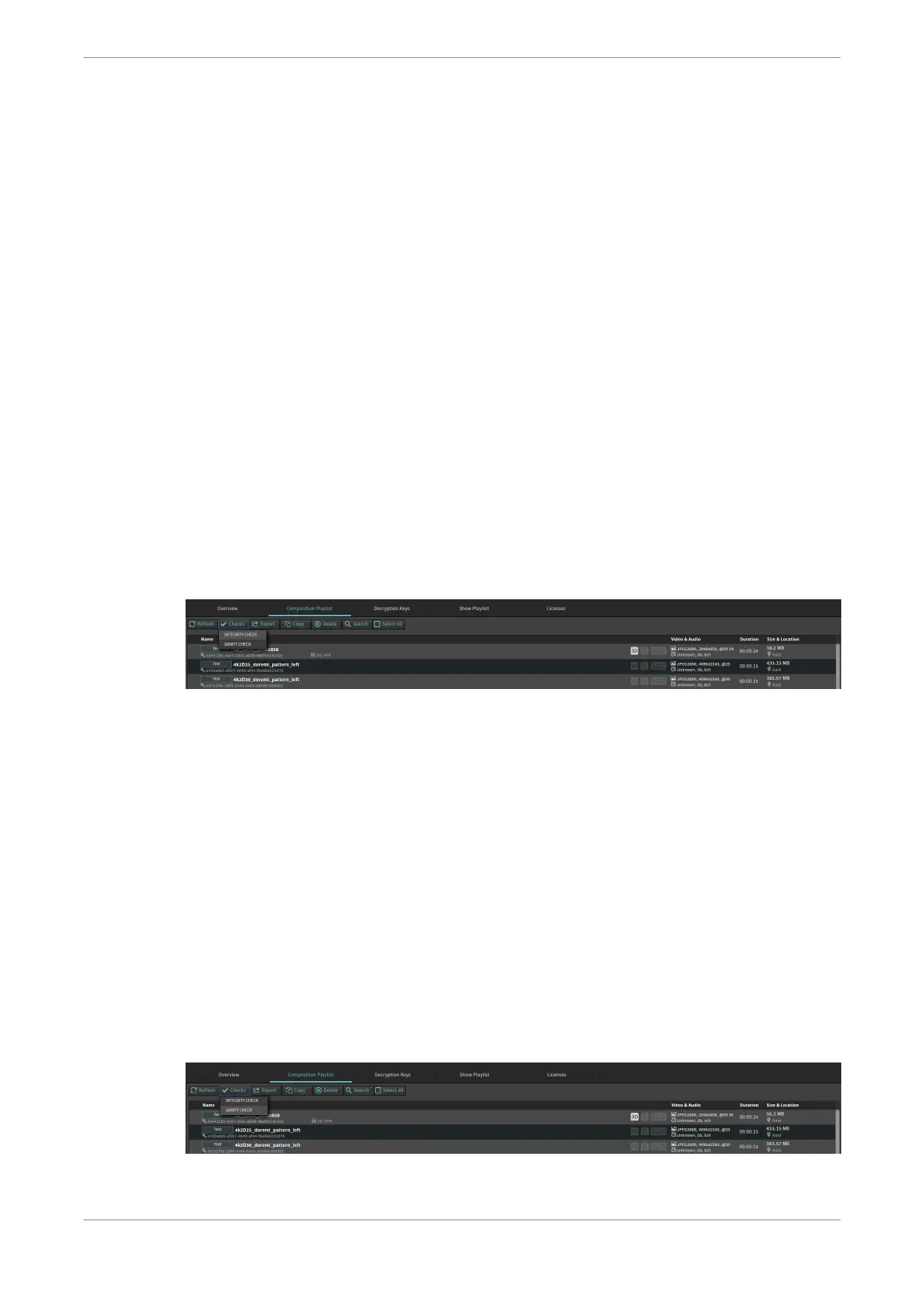
3. Click Checks, and then click Integrity.
Figure 60: Performing the integrity check
The Integrity Check window opens with the results.
4. Click Close.
13.2 Performing the sanity check
You can perform a sanity check for the content on the .
About this task
The sanity check verifies that all the required components of the CPL are available.
Procedure
1. Click Content.
2. Select the CPL to be checked.
3. Click Checks, and then select Sanity.
Figure 61: Performing the sanity check
Checking content for validity
Dolby IMS3000 Userʼs Manual
10 December 2018 IMS.OM.005280.DRM Issue 4 71



 To Next Page