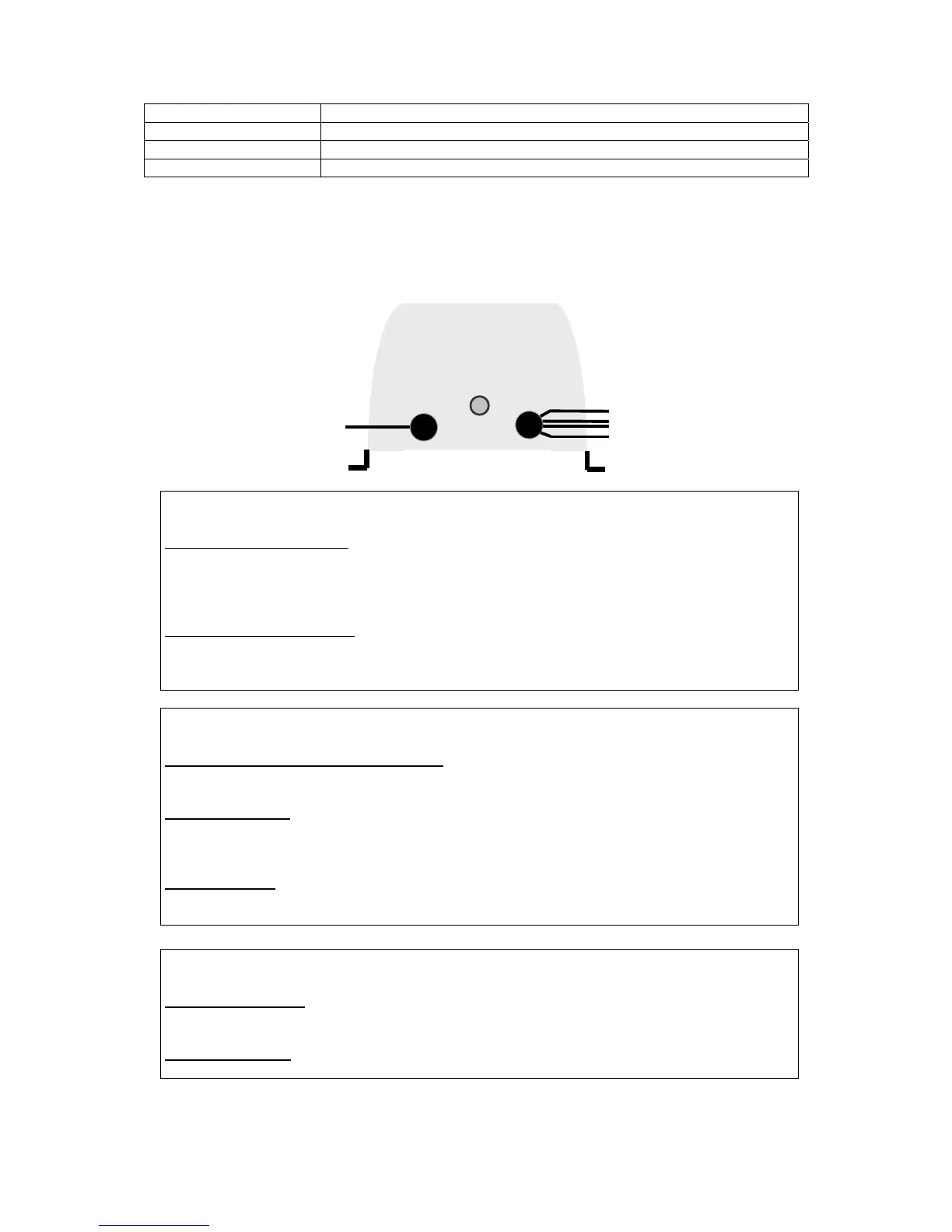
12V10A 12V15A
4
Height x width x depth 180 x 170 x 100 mm
Weight 1.5kg
AC Connection 3 x 0.75mm² Cable
Battery Connection Soft wires 2.5mm²
Operating instructions
Led OFF
Non-current carrying charger
• Check the current
• Check the input connection
• Check the main fuse
Defective internal temperature
• Check the installation and climatic conditions
• Check the internal fan is operational
ON/OFF Led is blinking
Charger incorrectly connected to the battery
• Check battery connection
Battery fuses blown
• Check the battery cables polarity
• Replace the battery fuses with identical fuses
Very flat batteries
• Charge the battery using an external source
• Replace the faulty battery
On/Off Led is lit
Internal fan is working
• Charger on "BOOST" and batteries are charging
Internal fan stopped
• Charger on "FLOAT" and batteries charged
LED On/Off



 To Next Page