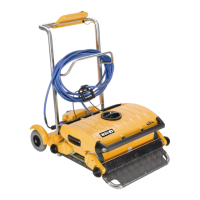
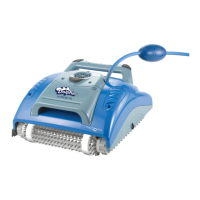
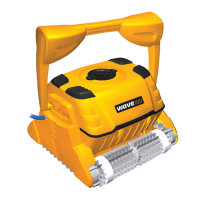
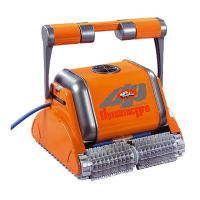
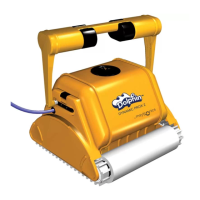
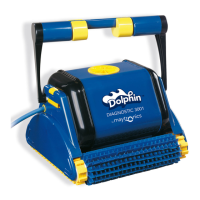
DOLPHIN TROUBLE SHOOTING
Note:
Operating the Dolphin out of the water will void warranty.
Dolphin Customer Support 866-730 9880 Monday to Friday 8.30 to 5.30 Eastern Time or email to
customersupport@smartpool.com .
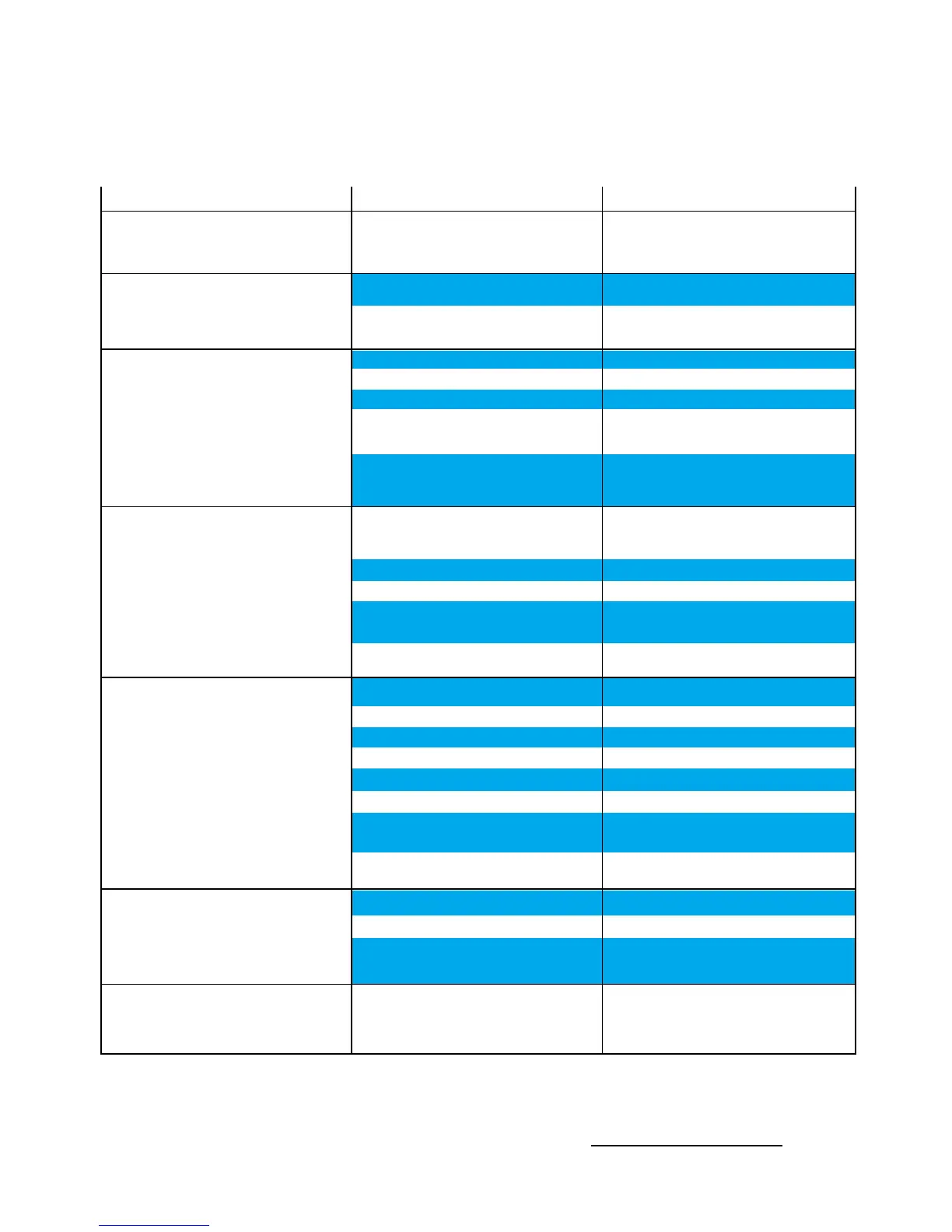
Symptom
• Air bubbles expelling from impeller tube or
Dolphin falling backwards at waterline
• Cable twisting
• Dolphin moving in circles
• Dolphin does not reach all pool areas
• Dolphin does not climb walls
• Motors not working
• Dolphin will not sink
6
Possible reasons
• Dolphin climbing too high
• Handle position not changed
• Gets stuck on main drain cover
• Dirt stuck in drive system
• Bottom lid is loose
• Track is stretched &/or worn
• Power supply wrongly positioned
• Dolphin is too light
• Power supply wrongly positioned
• Filter is on
• Handle not in diagonal position
• Not traveling sideways along waterline
• Dolphin does not climb walls
• Dolphin too heavy
• Filter bag clogged with fine debris
• Algae on walls
• Water temperature too low
• Water inside handle
• Brushes worn
• Dolphin too light
• Debris caught around impeller
• Impeller blocked
• Drive system blocked
• Electrical problem – motor unit, cable,
power supply
• Air caught in filter bag
Corrective action
• Remove handle floats &, if necessary, attach
8oz weight to bottom inlet cover
• Change handle diagonal after each use
• Turn off filter & install main drain covering
Straighten cable & lay in sun periodically
• Check tracks are free & not stretched
• Lock bottom lid securely
• Tracks need replacing.
Call Dolphin support line
•Place power supply in a position so that
Dolphin can reach all walls
• Remove handle floats &, if necessary, attach
8oz weight to bottom inlet cover
• Place power supply in a position so that
Dolphin can reach all walls
• Turn off pool filter
• Lock handle in diagonal position
• Move handle floats to one side & place
8 oz weight in filter bag on other side
• See below
• Empty & wash filter bag & add floats if necessary
• Machine wash filter bag
• Brush walls
• Water temperature should be above 65˚F
• Call Dolphin Support Line
• Brushes need replacing.
Call Dolphin support line
• Remove handle floats & attach 8oz. weight to
bottom inlet cover if necessary
• Untwist impeller tube & clean impeller
• Clean around impeller
• Clean tracks & wheels
• Check cable & wall plugs & sockets.
Call Dolphin Support Line
• Turn Dolphin upside-down under water or
machine-wash filter bag


 To Previous Page