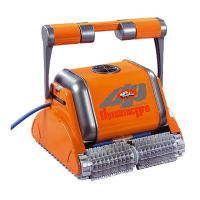
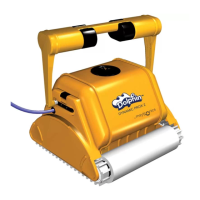
Helpful hints for better scanning of your pool
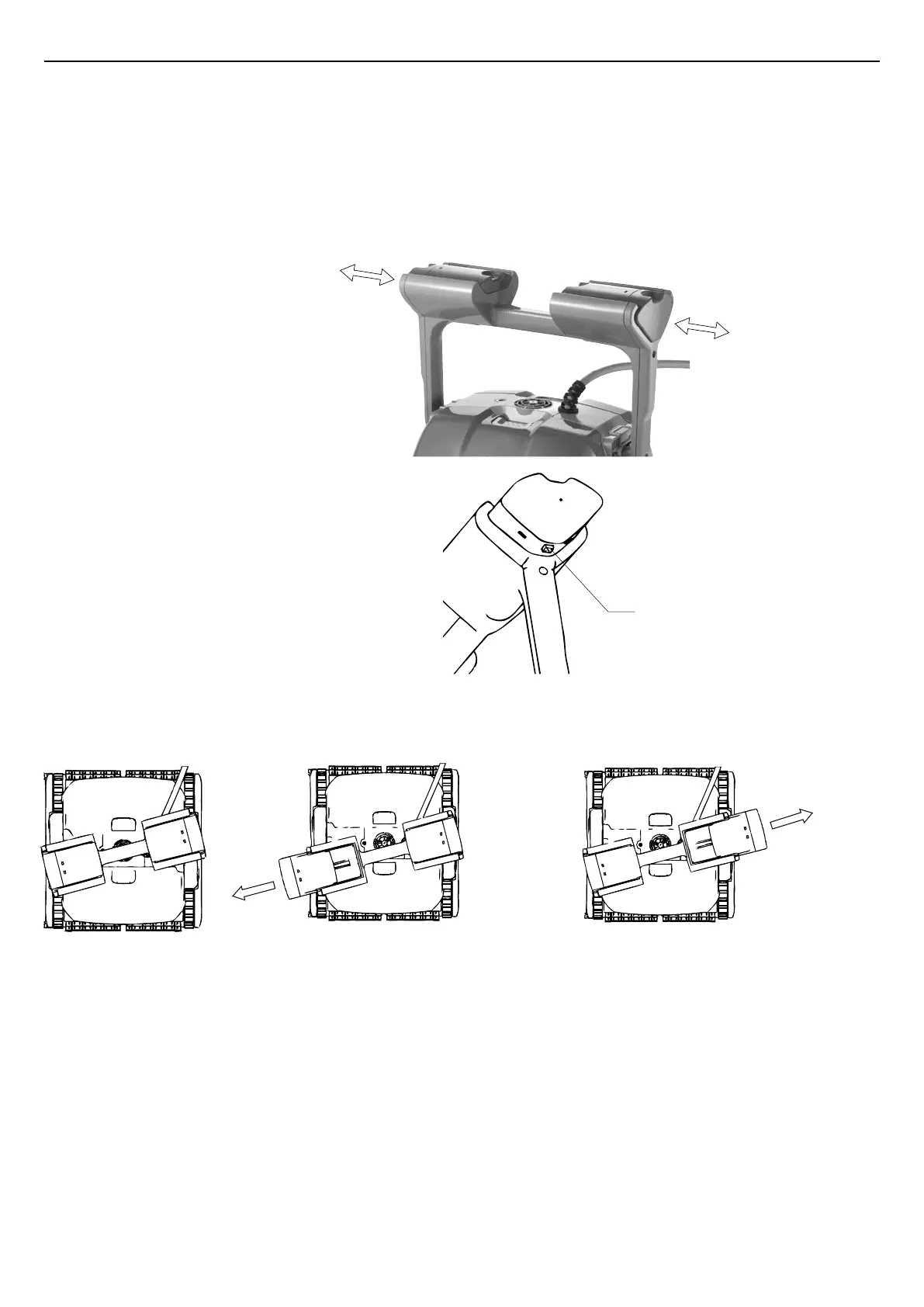
The floats can be moved side-ways along the handle groove housings.
To Move the floats in their handle housing grooves
There are three possible float configurations:
Floats default position If turns while scanning less than 90º,
pull out left float.
If turns while scanning more than 90º,
pull out right float.
Release Button
Push float outwards.1.
To move the floats back to their original 2.
position, while pressing the release
button on the base of the float, push
the float back.


 To Next Page