Solar Pump Inverter Chapter 3 System Collection Diagram
25
3.4 Keypad operation procedure
3.4.1 Keypad induction
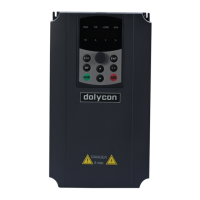
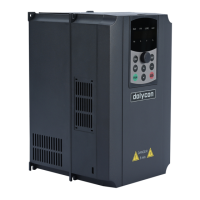
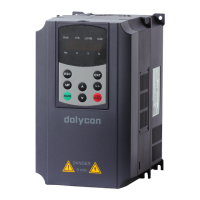
The keypad consists of three parts for unit/status LEDs display, parameters display and
key operation as shown below.
3.4.2 Operation panel button and potentiometer function
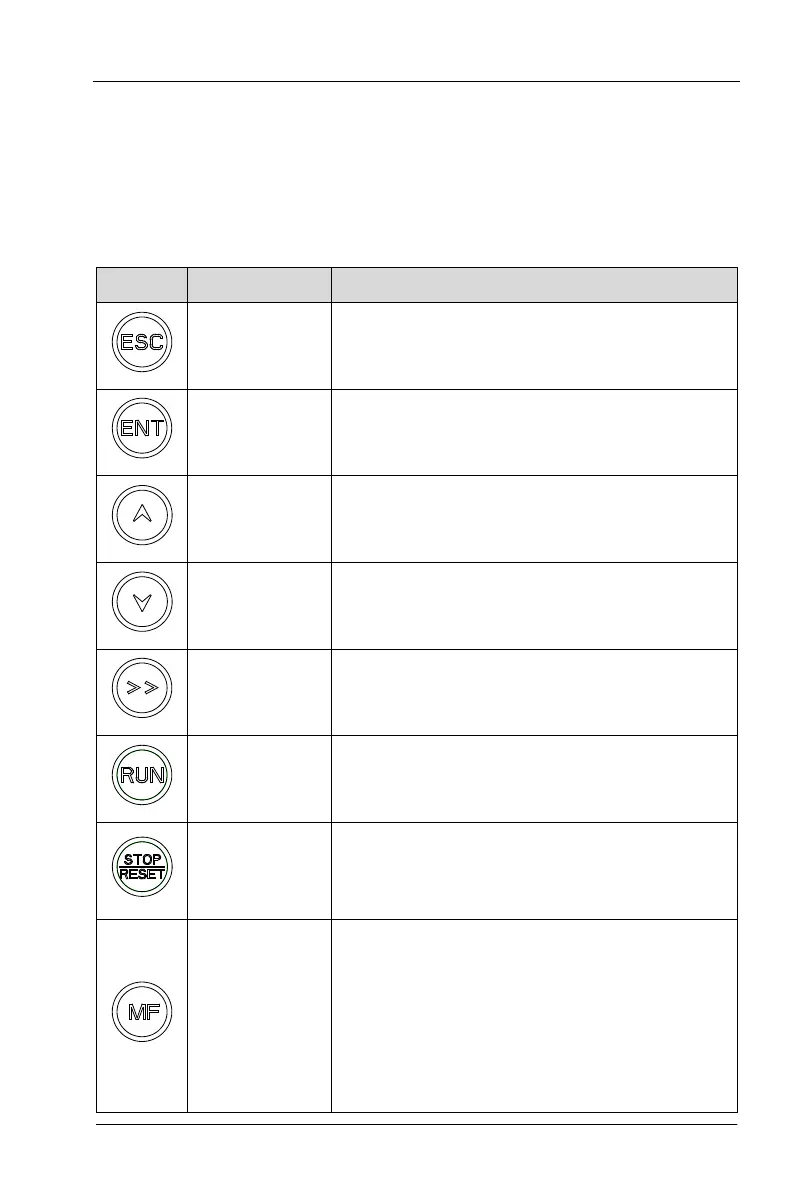
Button Name Description
Programming
Key
Entry or escape of first-level menu.
Enter Key Progressively enter menu and confirm parameters.
UP Increment
Key
Progressively increase data or function codes.
DOWN
Decrement Key
Progressive decrease data or function codes.
Shift Key
In parameter setting mode, press this button to select
the bit to be modified. In other modes, cyclically
displays parameters by right shift
Run Key Start to run the inverter in keypad control mode.
STOP/RESET
Key
In running status, restricted by F05.05, can be used to
stop the inverter.
When fault alarm, can be used to reset the inverter
Shortcut Key
Determined by Function Code F05.04
0: Jog operation
1: Switch between forward and reverse
2: Clear the UP/DOWN settings.
3: Quick debugging mode1 (by menu)
4: Quick debugging mode2 (bylatest order)
5: Quick debugging mode3 (by non-factory setting
parameters)


 To Next Page