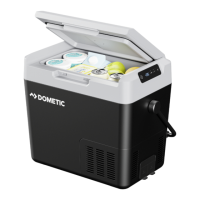
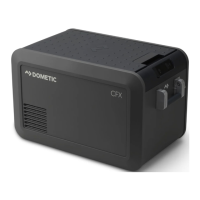
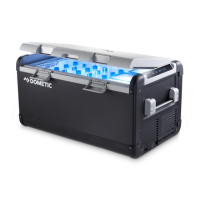
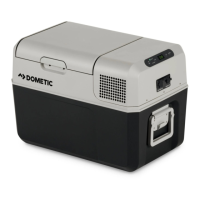
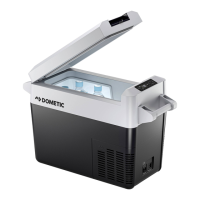
Function description CFF20, CFF35, CFF45, CFF70DZ
12
Connection sockets
5 SET Selects the input mode
– Temperature setting
– Celsius or Fahrenheit display
– Set battery monitor
– Set brightness of display
6 DOWN – Press once to decrease the value
7 UP + Press once to increase the value
8 CFF70DZ only: Status indication: LED lights up blue when the
compartment is cooling
Item Description
1 Connection socket AC voltage supply
2 AC fuse holder
3 DC fuse cover
4 Connection socket DC voltage supply
Item Description Explanation
100 - 240V~AC 12 - 24V DC
31 2 4
4
DometicCFF20-35-45-75DZ_OPM_4445103133_APAC(en)_202x-xx-xx.book Seite 12 Dienstag, 20. Oktober 2020 4:16 16


 To Next Page