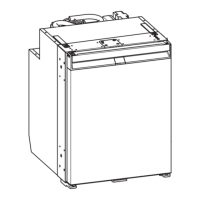
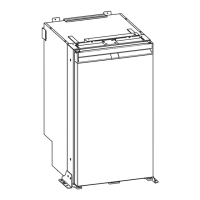
NRX0120TPEN
• On a regularly basis, make sure the door seal still fits properly.
• Clean dust and dirt from the condenser at regular intervals.
Opening the refrigerator door
NOTE Ensure to pull the handle on the opposite side to the door stop. Note the respective position of
the slider. Refer to the associated installation manual.
To open the refrigerator door proceed as shown.
Fig. on page4
Closing and securing the refrigerator door
CAUTION! Risk of injury
If the door is not secured correctly, carefully push on the top and bottom of the door until it is secured in
place.
NOTE The refrigerator door has a latching mechanism which is also used to protect it during transport.
Press the door shut until you clearly hear it click at the top and bottom.
Fig. on page5
The door is now closed and secured.
Switching on and off
NOTE Always switch off the refrigerator if it will not be used for a prolonged period of time.
To switch on, press and hold the button once for at least 2 s.
The refrigerator switches on with the last selected cooling level setting and operation mode.
To switch off, press and hold the button for at least 2 s.
Setting the operation modes
NOTE When using the ECO, PERFORMANCE or FREEZER mode the system stays in this mode until fur-
ther changes.
To set the operation mode, press the button repeatedly until the operation mode indicator LED for the de-
sired operation mode lights up.
Using the ECO mode
With the ECO mode activated the refrigerator operates with reduced energy consumption at cooling levels 1 – 3.
The operation mode indicator LED for the ECO mode ( ) and the selected cooling level indicator LED light up.
17


 To Next Page
 Loading...