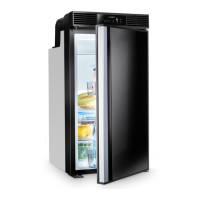
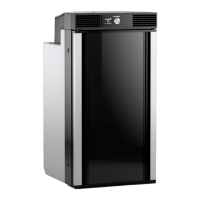
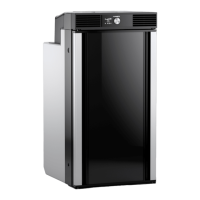
Using the refrigerator RCD10.5
20
• Defrost your refrigerator as soon as a layer of ice forms.
• Avoid unnecessarily low temperature settings.
• For optimal energy consumption, position the shelves and drawers according to
their position on delivery.
• On a regularly basis, make sure the door seal still fits properly.
• Clean dust and dirt from the condenser at regular intervals.
5.4 Operating the refrigerator
I
Operating modes
RCD10.5ET, RCD10.5XET
To switch on the refrigerator:
➤ Press the control knob for 2 seconds.
✔ The refrigerator starts with the most recent settings.
NOTE
• When setting the QUIET mode or BOOST mode, the refrigerator
returns after 8 hours automatically to PERFORMANCE mode, using
the same configuration as set before changing to QUIET or BOOST
mode.
• For ambient temperatures of +15 °C to +25 °C, select the average
temperature setting.
Symbol Explanation
PERFORMANCE mode:
Standard mode
Selection of all temperature levels (1 to 5)
QUIET mode:
Decreased fan and compressor speed with reduced noise, e.g. if
the user wants to relax or sleep
Selection of three temperature levels (1 to 3)
BOOST mode:
Maximum performance, e.g. for an immediate cool down or after
a larger amount of uncooled foodstuff has been put in the refrig-
erator
No selection of temperature levels



 To Next Page
 Loading...