RH440, CL440, CL460 Operation
17
7.2 Using the cooling device
A
I
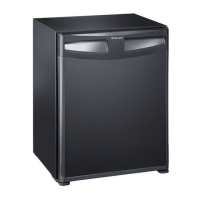
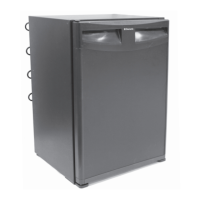
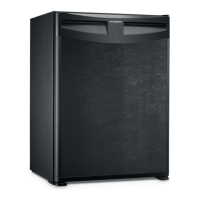
➤ Place the cooling device on a firm base.
➤ Connect the connection cable to the AC mains supply.
✓ The cooling device starts cooling the interior.
➤ Set the temperature controller (fig. 1 1, page 3) to the desired position:
– max: lowest temperature
– min: highest temperature
➤ If you wish to switch the cooling device off, pull out the connection cable.
➤ Clean the interior to make sure it is dry enough.
7.3 Locking the door
➤ Turn the key a quarter turn to the left to lock the cooling device (fig. s, page 10).
7.4 Changing the LED light
➤ Change the LED light as follows: fig. t, page 10.
NOTICE! Risk of damage
• Ensure that the objects placed in the cooling device are suitable for
cooling to the selected temperature.
• Ensure that food or liquids in glass containers are not excessively
refrigerated. Liquids expand when they freeze and can therefore
destroy the glass containers.
• Ensure that your cooling device is well ventilated so that any heat
created can dissipate. Otherwise proper functioning cannot be
ensured. It is especially important not to cover the air vents.
NOTE
If you are not going to use the cooling device for a long time, leave the
door slightly ajar to prevent unpleasant odours building up.
RH440-CL440-460--IO-EN.book Seite 17 Donnerstag, 18. Mai 2017 6:29 18



 To Next Page