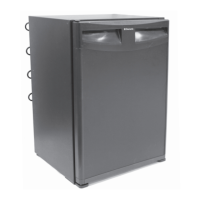
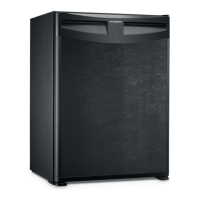
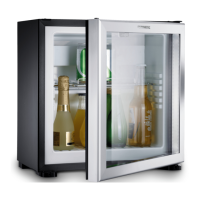
Cleaning and maintenance RH440, CL440, CL460
18
8 Cleaning and maintenance
!
A
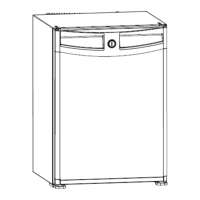
➤ Use a soft cloth, lukewarm water and a mild detergent to clean the inside of the
cooling device.
➤ Wash out the cooling device using clean water and dry thoroughly.
➤ At annual intervals, remove dust from the cooling aggregate at the back of the
cooling device using a brush or a soft cloth.
WARNING!
Always disconnect the device from the power supply before you clean
and service it.
NOTICE! Risk of damage
• Never clean the cooling device under running water or in dish water.
• Do not use abrasive cleaning agents or hard objects during cleaning
as these can damage the cooling device.
RH440-CL440-460--IO-EN.book Seite 18 Donnerstag, 18. Mai 2017 6:29 18



 To Next Page