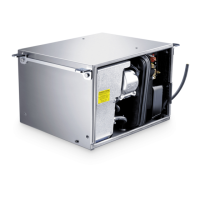
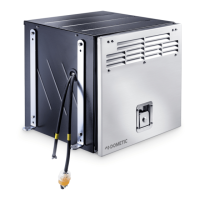
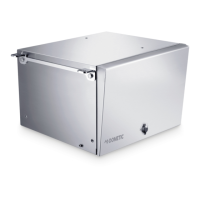
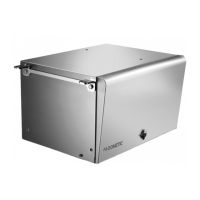
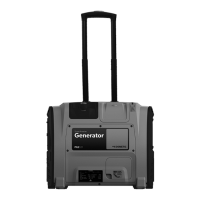
TEC29 EV Operating the generator
21
8.7 Checking the oil level
!
I
Always check the oil level before use. To do this, proceed as follows:
➤ Open the generator front door.
RESTART GEN?
Message appears after the gen-
erator has stopped due to over-
heating.
The generator is switched off. Press the start button to restart
the generator.
GEN CAL
Message appears when the gen-
erator is started up; it shows the
calibration phase which takes
place before each start-up. The
generator does not supply any
voltage.
The generator is running but
does not supply any voltage.
Wait a moment.
GEN WAIT
Message appears while you are
waiting for the generator to start
again.
The generator is switched off. Wait until the message has disap-
peared then attempt ignition
again.
GEN ON
The generator is operating nor-
mally.
Normal mode –
GEN OFF
The generator is in stand-by and
can be started.
–
AUTO?
Message appears when the
automatic mode is switched on.
Controls are waiting for user
input.
Press the start button within
20 seconds and hold down for
3seconds.
AUTO
Automatic mode
The automatic mode is switched
on.
–
CAUTION!
Hot oil can cause burns.
Only check the oil level when the generator is switched off.
NOTE
The generator must be level.
Display message
Description
Generator behaviour Measures
DometicTEC29EV_OPM_4445103094_EMEA16_20xx-xx-xx.book Seite 21 Dienstag, 16. Februar 2021 3:20 15


 To Next Page
 Loading...