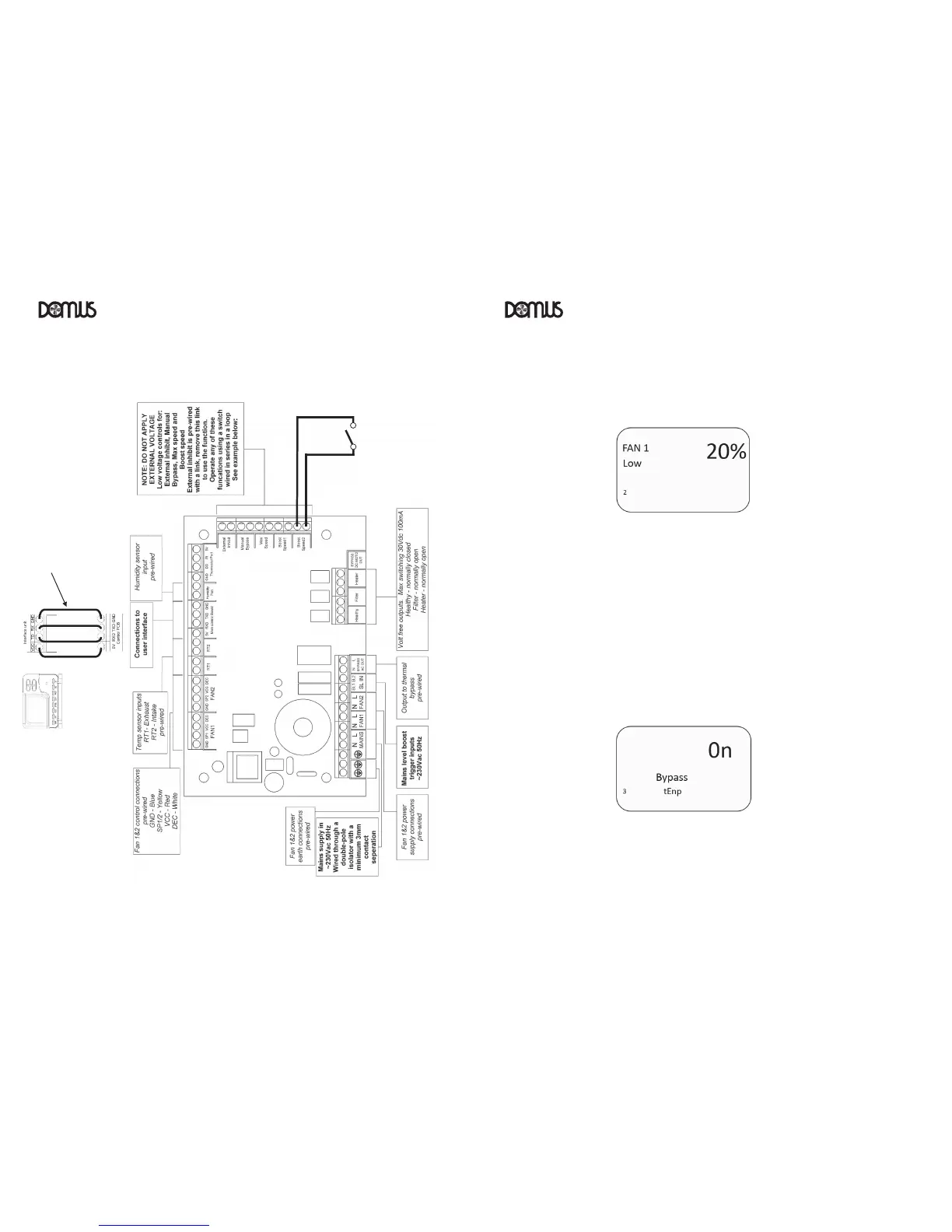
Repeat the steps above for:
Fan 2 Boost (Supply/Intake fan) (Factory default speed is 50%)
Fan 1 Low (Extract/Exhaust fan) (Factory default speed is 20%)
Fan 2 Low (Supply/Intake fan) (Factory default speed is 20%)
‘Max’ speed can be set to a maximum of 99% (Factory default 80%)
Note: Low speed cannot be set higher than Boost speed and Boost speed cannot be set
higher than Max speed
Press “SET” to record or “ESC” to discard the settings and return to the home screen
5.4 Automatic heat exchanger bypass activation/inactivation (for adjustment see 5.10)
From the home screen, press and hold “SET” and “COPY” simultaneously for 3 seconds
Press “COPY” as required to move to ‘Menu 3’ ‘Bypass tEnp’
Use the “+” or “-“ button to set to ‘on’ or ‘off’ (OF) as required
Press “SET” to record or “ESC” to discard the settings and return to the home screen
VENTILAT ION VENTILAT ION



 To Next Page