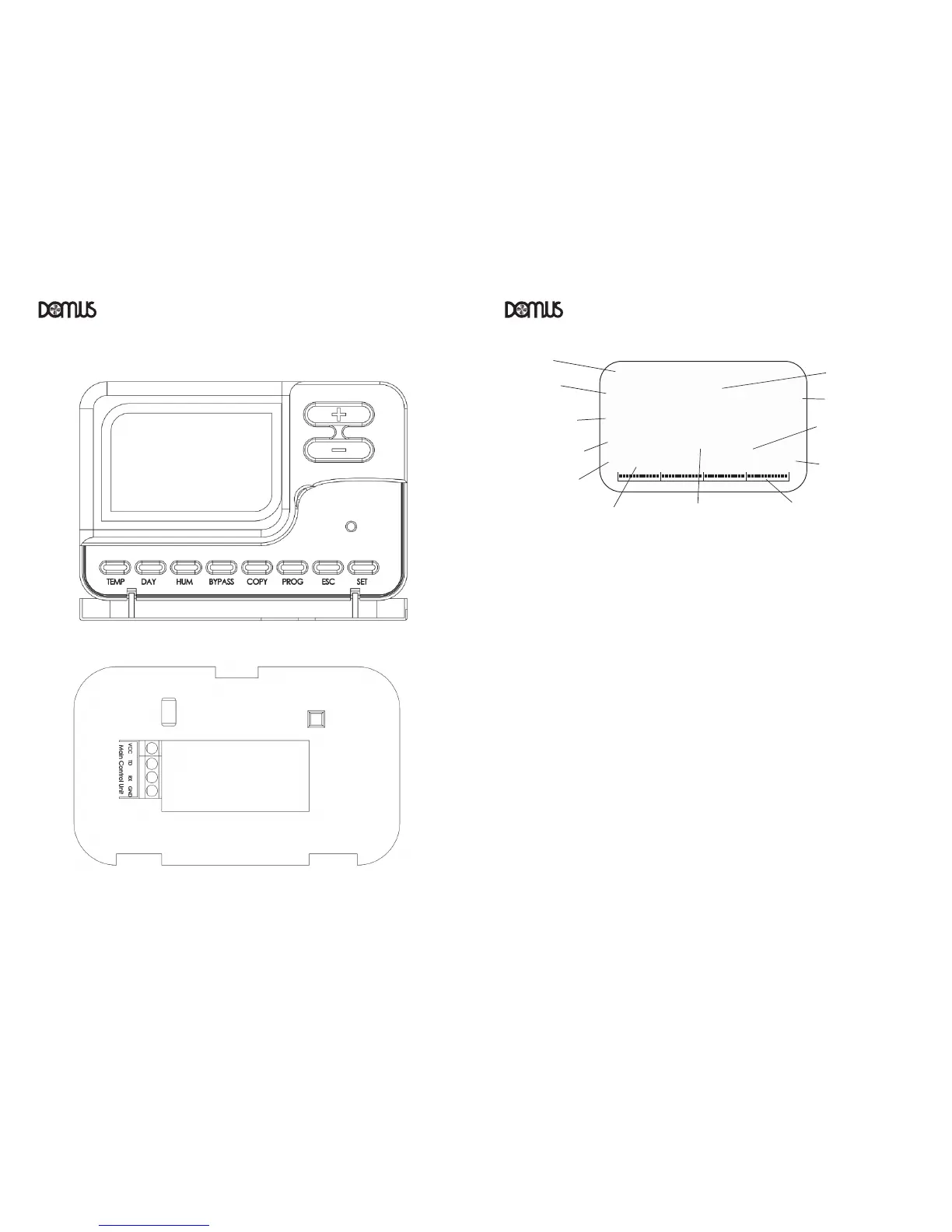
5.1 Time and date setting (this action is required when power is first applied to the system):
From the home screen, Press “DAY”. The hour text will flash
Use the “+” and “-“ buttons to set the hour
Press “DAY”. The minute text will flash
Use the “+” and “-“ buttons to set the minute
Press “DAY”. The day will flash
Use the “+” and “-“ buttons to set the day
Press “DAY”. The month will flash
Use the “+” and “-“ buttons to set the month
Press “DAY”. The year will flash
Use the “+” and “-“ buttons to set the year
Press “DAY”. 12/24 will flash
Use the “+” and “-“ buttons to set 12 or 24 hour clock format
Press “DAY” to confirm and return to home screen



 To Previous Page