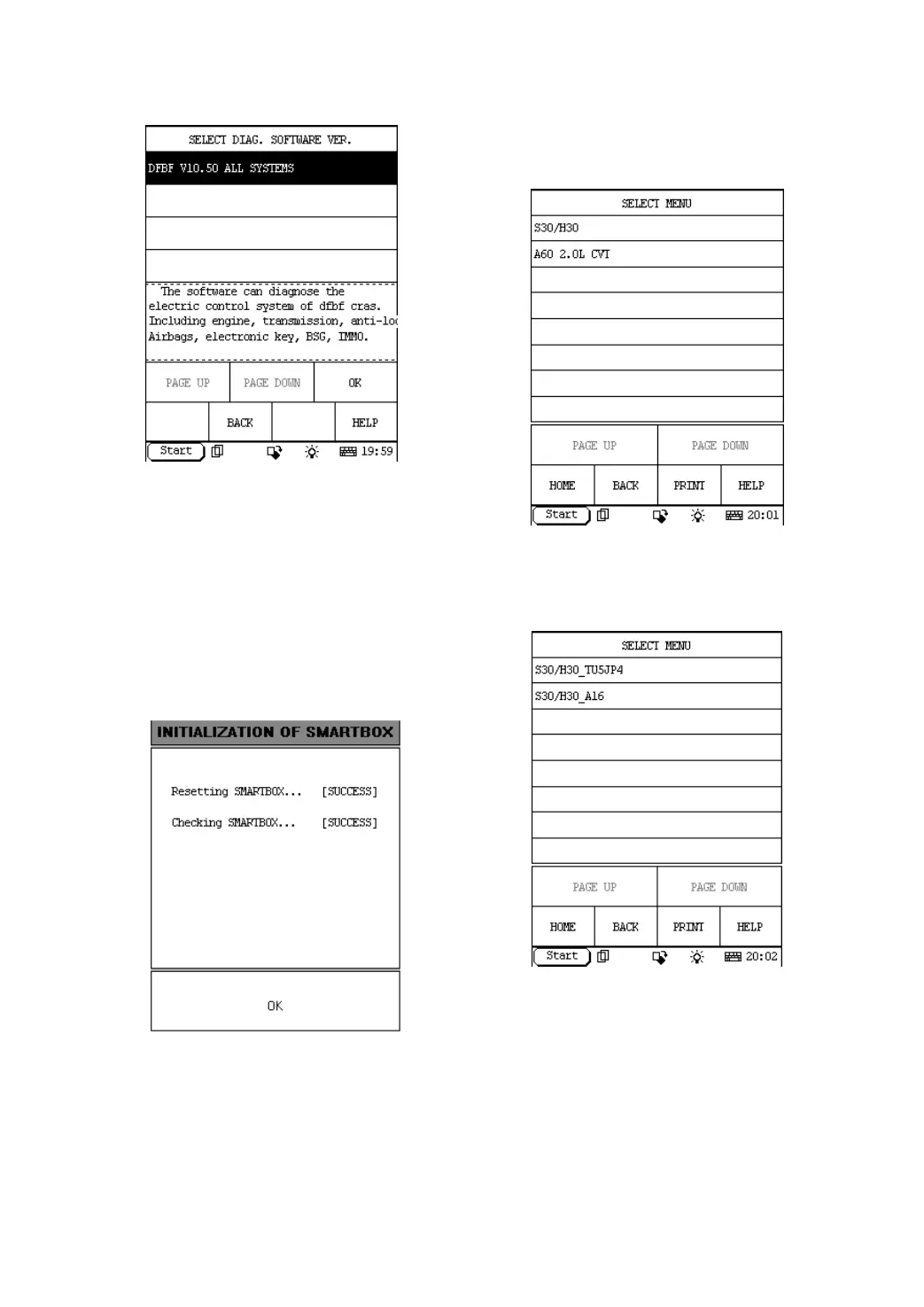
Figure 2-04
Button descriptions:
♦ [BACK]: to return to the previous
interface.
♦ [HELP]: to display the help information.
Click [DFBF V10.50 All Systems]. DFPV Diag.
begins reset and check the SMARTBOX, the
screen will be displayed as shown in Figure
2-05.
Figure 2-05
Button descriptions:
[OK]: to go on the test.
Click [OK]. The display will be as shown in
Figure 2-06.
Figure 2-06
Click [S30/H30]. The display will be as shown
in Figure 2-07.
Figure 2-07
The software can diagnose the electronic
control systems of S30 up to 2012.
After selecting menu “S30/H30_TU5JP4” , the
screen displays the menu of test systems as
shown in Figure 2-08


 To Next Page
 Loading...