Control Unit Version
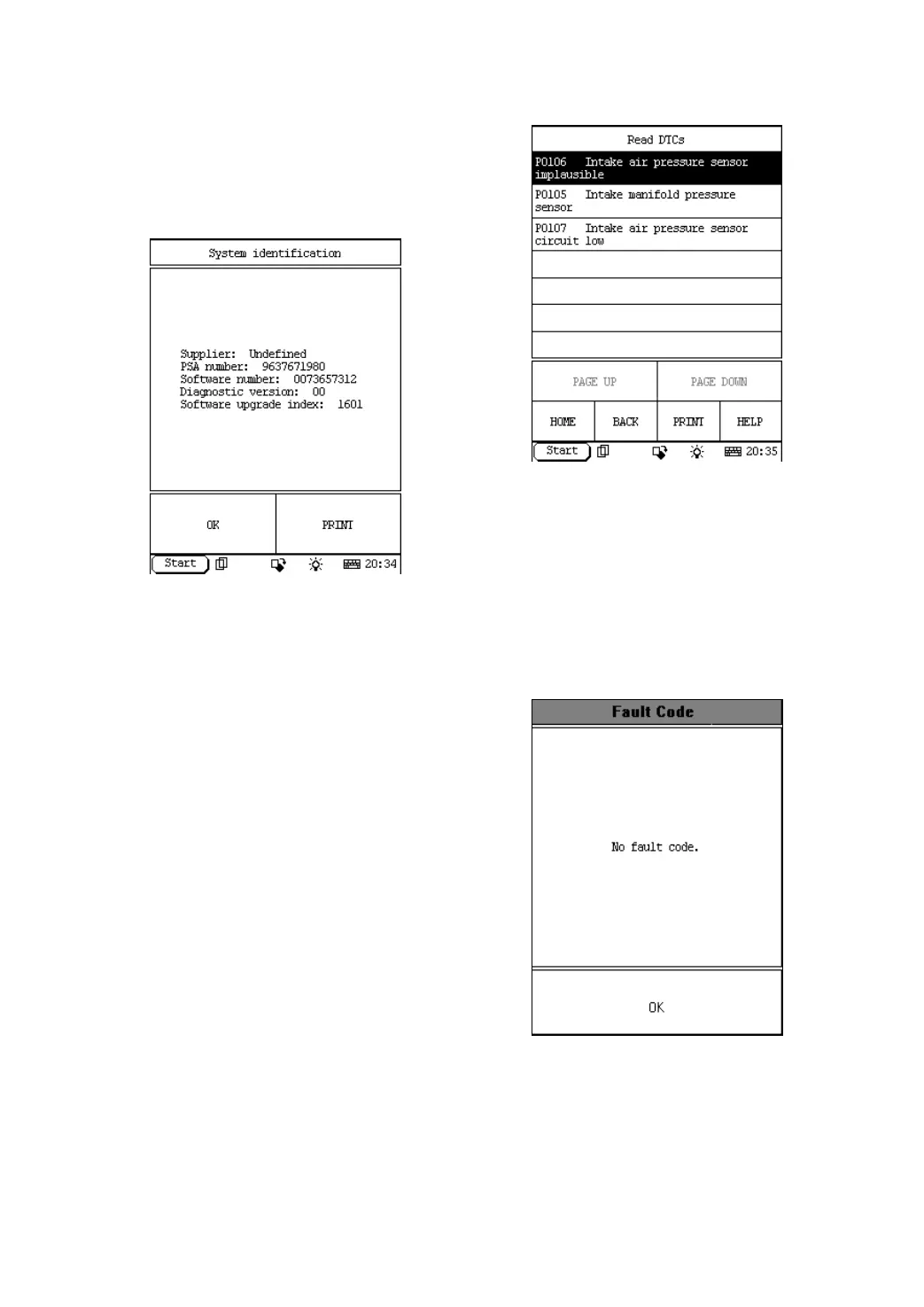
Click menu [System identification]. The screen
will display the information on ECU of the
tested system. See Figure 2-11.
Figure 2-11
Note:
The information is from the vehicle ECU. If
you have any question during test, don’t
hesitate to contact LAUNCH to get answer
as soon as possible.
Click [OK] button to return to the function
menu.
Read DTCs
Click [Read DTC] in the function menu. DFPV
Diag. starts to test the fault code. The screen
will display the test result when the test is
finished. Figure 2-12 is an example of a test.
Figure 2-12
Button descriptions:
♦ [HOME]: to return to the homepage of
vehicle diagnosis.
♦ [BACK]: to return to the previous
interface.
If there is no fault code in the tested system,
the display will be as shown in Figure 2-13.
Figure 2-13
Click [OK] button to return to the function
menu.


 To Next Page
 Loading...