Clear DTCs
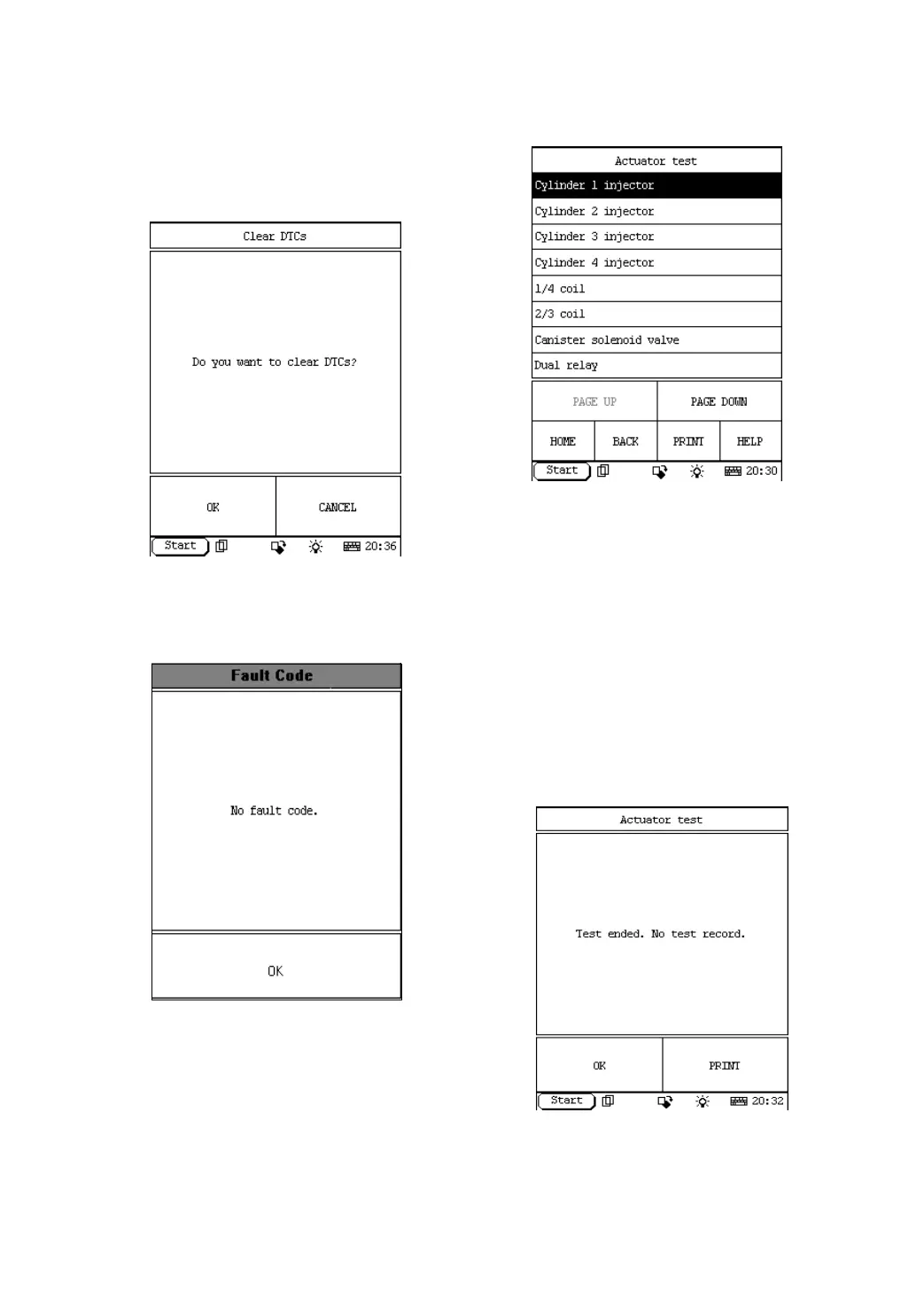
Click [Clear DTCs] in the function menu. DFPV
Diag. starts to erase the fault code. See Figure
2-14.
Figure 2-14
If all fault codes are erased or there is no fault
code in the tested system, the screen will be
displayed as shown in Figure 2-15.
Figure 2-15
Click [OK] button to return to the function
menu.
Actuator test
Click [Actuator test] in the function menu. The
screen will display the information as shown in
Figure 2-16.
Figure 2-16
Click the corresponding data stream items.
Button descriptions:
♦ [PAGE DOWN]: to display the next
page.
♦ [HOME]: to return to the homepage of
vehicle diagnosis.
♦ [BACK]: to return to the previous
interface.
♦ [HELP]: to display the help information.
The screen will display the information as
shown in Figure 2-17.
Figure 2-17


 To Next Page
 Loading...