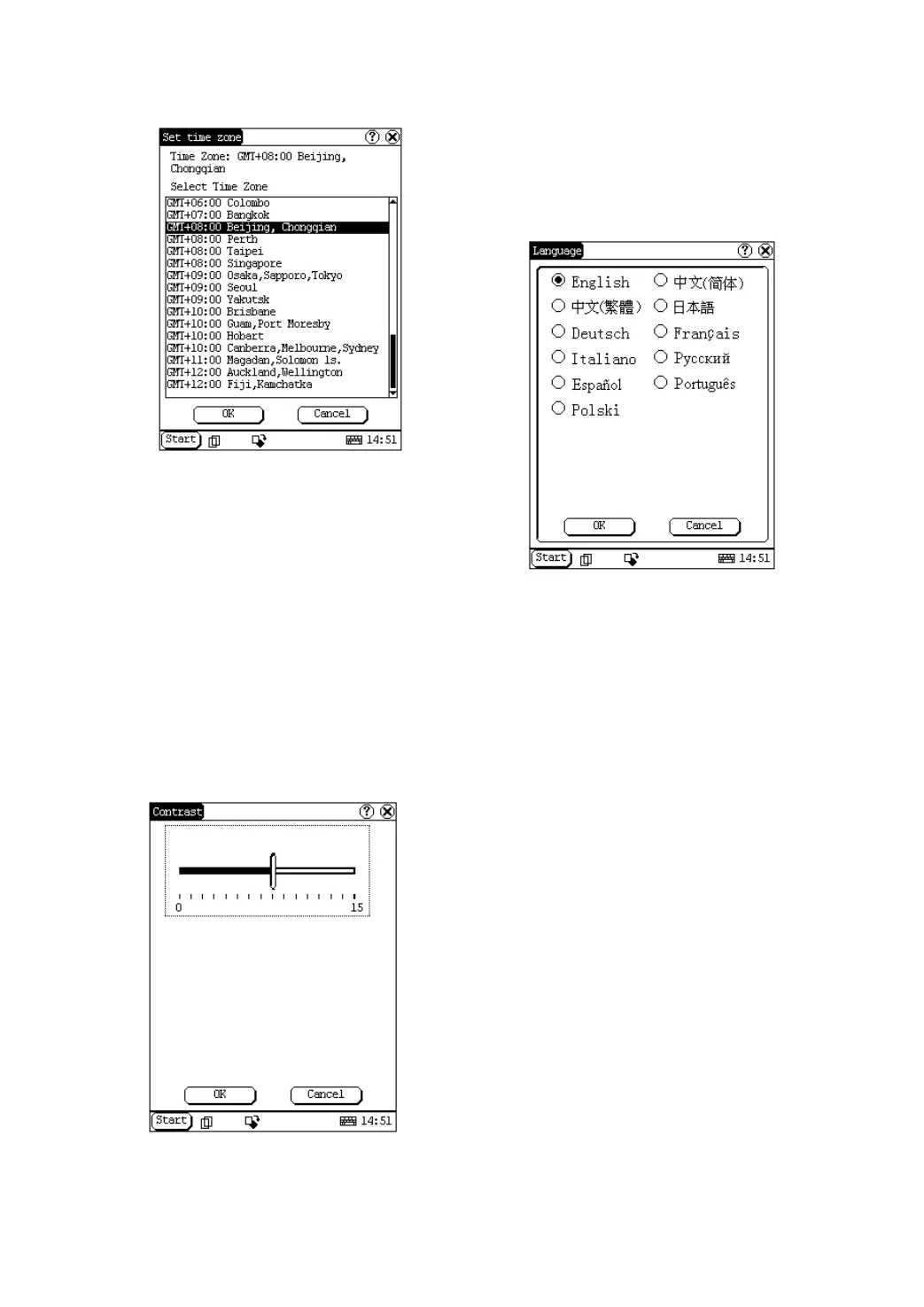
Figure 4-43
After finishing all settings, click [OK] button in
the Date/Time interface to exit and close the
interface.
Contrast
It is for adjusting the contrast of the screen to
make the interface clearer.
1) In the Control Panel interface, click
‘Contrast’ icon to open the Contrast
interface. See Figure 4-44.
2) In the Contrast interface, click the position
you want, and then you can set it.
Figure 4-44
Language
You can make selection among several
languages for convenient operation of the
system.
Figure 4-45
1) In the Control Panel interface, click
‘Language’ icon to open the Language
interface. See Figure 4-45.
2) Select the language you want to use.
3) Click [OK] button to confirm the selection
and close the language interface and the
Control Panel interface.
Note: Before selecting language, be sure to
quit all applications.
System Information
Calibrate Touch screen
It is for getting the desired accuracy of the
touch screen. Calibrating of touch screen can
be divided into two steps. The first step is to
detect noise automatically. If you click the touch
screen at this step, the noise value would be
affected. After detecting the noise, the system
will come to the calibration step. Then the cross
cursor will be displayed.
1) After switching on the machine, follow the
tips to press the hot key. The calibration
interface will be opened.
2) Click the cross cursor on the screen


 To Next Page
 Loading...