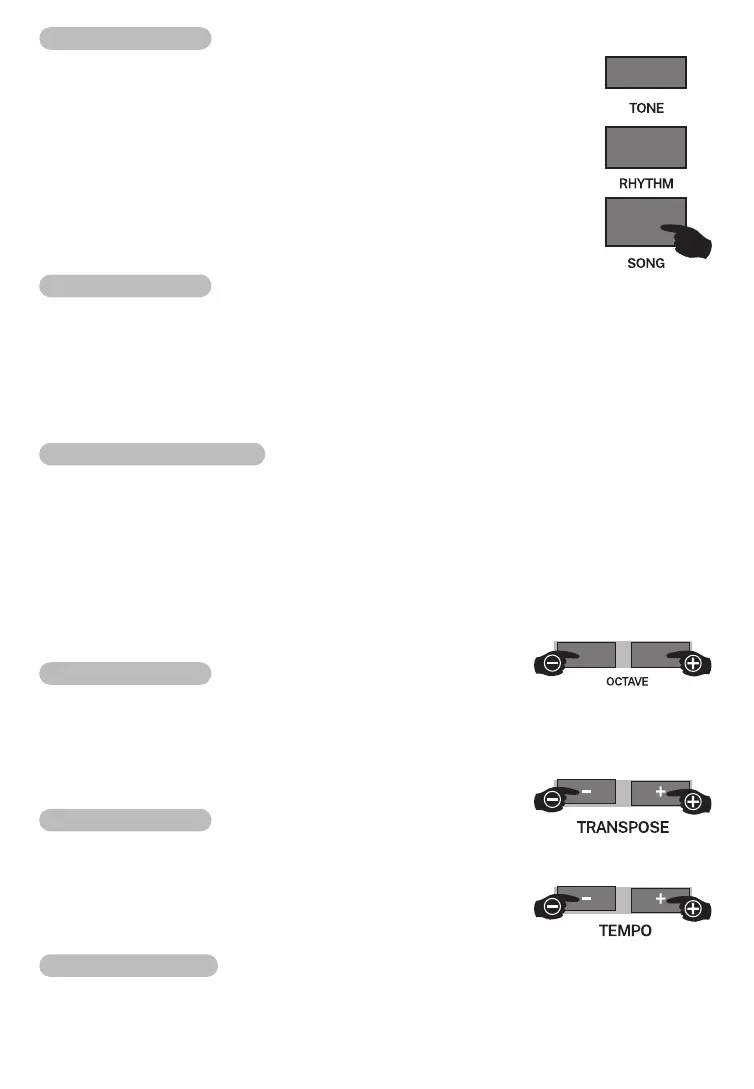
Song
This electronic keyboard has 120pcs different style of songs for your
appreciation.
1.Pressing 【SONG】button to enter into song mode,"SONG"marking
lights in LCD. All songs will begin with loop play now. The default song is
001 song.
2.You can choose the songs that you want to appreciate by numbers
button or 【-】/【+】buttons or data wheel, the song will play
automatically after several seconds.
3.Pressing 【SONG】or【START/STOP】button,the song can stop play.
Octave
The overall pitch of master volume /dual voice and lower voice can rise or reduce 2pcs
octaves by octave function.
1.Choosing the tone layers that you want to do setting. To switch and choose "VOICE
R1”/"VOICE R2”or "VOICE L"by 【TONE】 button.
2.Press【OCTAVE+】or【OCTAVE-】button The present octave value "xxx Octave"will
display in LCD temporarily after octave function was entered into.
Adjust octave value
Pressing 【OCTAVE+】or【OCTAVE-】 【+】【-】buttons or data wheel to adjust
octave value when present octave value displays in LCD temporarily. The largest
adjustment range ±2pcs octaves.
Pressing 【OCTAVE+】and【OCTAVE-】button or【+】and【-】buttons at he same
time, the octave value will recover to pre-setted value 000.
Notice:
The highest or lowest sound area of keyboard may surpass the normal diapason range of
tone, the sound may be abnormal now, this is the normal phenomenon.
Transpose
The default transpose function was opened state when power is on. The initial value is 0.
The tone of whole electronic keyboard can be raised or reduced for half-tone by pressing
【TRANSPOSE+/-】buttons, the adjustment range is ±12 levels. Pressing
【TRANSPOSE+/-】buttons at the same time, it will recover transpose initial value.
Tempo
Pressing 【TEMPO+/-】buttons to adjust tempo, the largest
adjustment range is 30-280, the relative tempo value will display
in LCD when you do tempo adjustment.
Pressing 【TEMPO+/-】buttons at the same time, it will recover
the default value tempo of present rhythm immediately.
Function menu
• Pressing【FUNCTION MENU】button to enter into function menu.
• The default first option is "Metronome type"when the function menu was entered into
07



 To Next Page