Mixer
The play volume of every track can be controlled independently by Sound console
function.
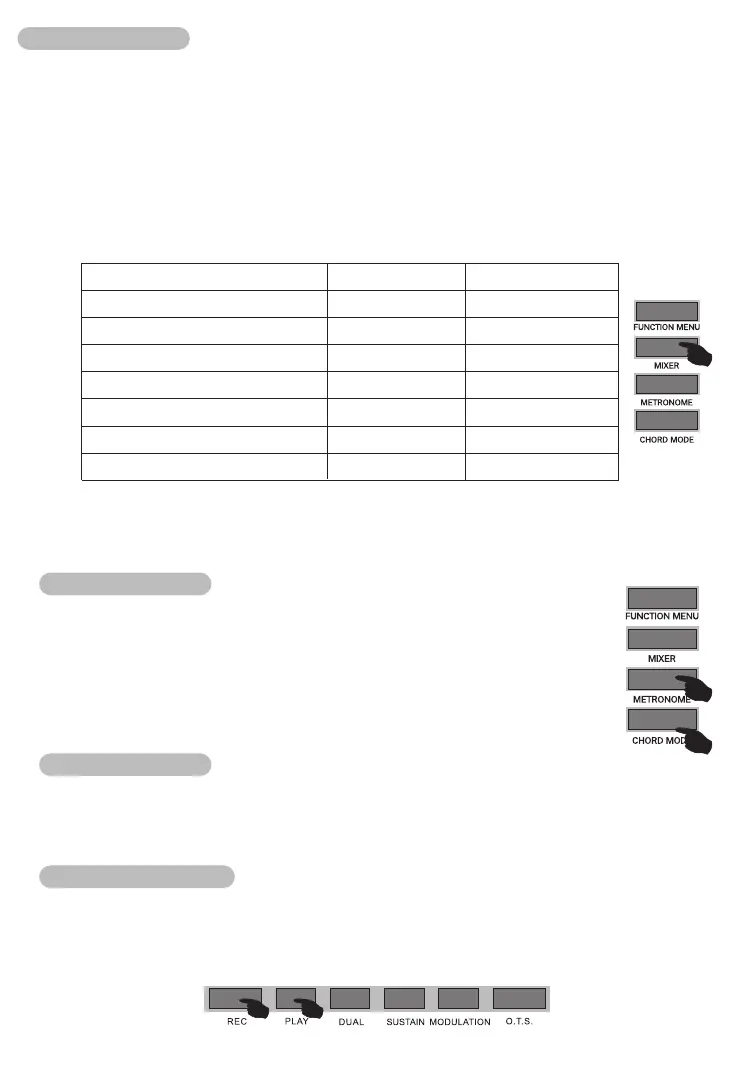
1.Pressing 【MIXER 】button to enter into sound console function menu, the relative
value will display in LCD screen temporarily. The first option is "Percussion music track
volume"when the sound console menu was entered into first time when the power is on.
The option was entered into again later will be same option was exited last time.
2.To choose the track items that you want to make setting by pressing 【MIXER 】button
repeatedly, then, To set parameters by pressing 【-/+ 】button. The concrete function
items and parameters range are as below list
Notice: If there is no any setting operation in 3 seconds in sound console setting state,
the system will exit sound console function state.
Metronome
Pressing 【METRONOME】button, Beat mark displays in LCD. You can
choose beat state in “function menu”to set the beat number of metronome.
To choose beat number by pressing 【+/- 】 buttons or rotating data wheel,
the selection range is 0,2,3...9.The metronome also can be started in
rhythm playing process.
Chord mode
Pressing 【CHORD MODE 】button to open auto chord accompaniment, it contains
A.B.C. chord mode(Single chord, finger chord),full range chord (Finger chord).
Record function
Pressing【RECORD】button to enter into record waiting state.
Pressing 【PLAY 】button, the record will begin to play, it will exit automatically when
play was over.
The record capability is 62K.
09
Adjustment range
Percussion music track volume
Bass track volume
Harmony track1 volume
Harmony track2 volume
Harmony track3 volume
Master voice track volume
Dual voice track volume
LCD display
XXX Rhythm_m
XXX Bass
XXX Chord1
XXX Chord2
XXX Chord3
XXX Upper1
XXX Upper2
Adjustment range
0 - 32
0 - 32
0 - 32
0 - 32
0 - 32
0 - 32
0 - 32



 To Next Page