Learning mode2:Pitch learning
1.Pressing【LESSON】button repeatedly to enter into learning mode2 in
the state that song has been stopped play. "Les2 R"reminder marking
lights in LCD. The system only estimates the correctness of pitch of
notes that learner has played. The song can go ahead backwards when it
needs learner to play correct notes.
If the pitch of played notes is wrong, the song will be in waiting state
until the correct notes was played.
2.Pressing 【START/STOP】buton to begin to learn song, it will give
estimation after the learning was over.
Learning mode3:Play mode
1.Pressing 【LESSON】button repeatedly to enter into learning mode3
in the state that song has been stopped play. "Les3 R" reminder marking
lights in LCD. The system only estimate the correctness of duration and
pitch that learner are playing comprehensively. The song plays normally,
learner must play correct pitch based on original duration of song, then,
it can be estimated correct by system
2.Pressing 【START/STOP】button to begin to learn song, it will give
estimation after the learning was over.
MP3 Play
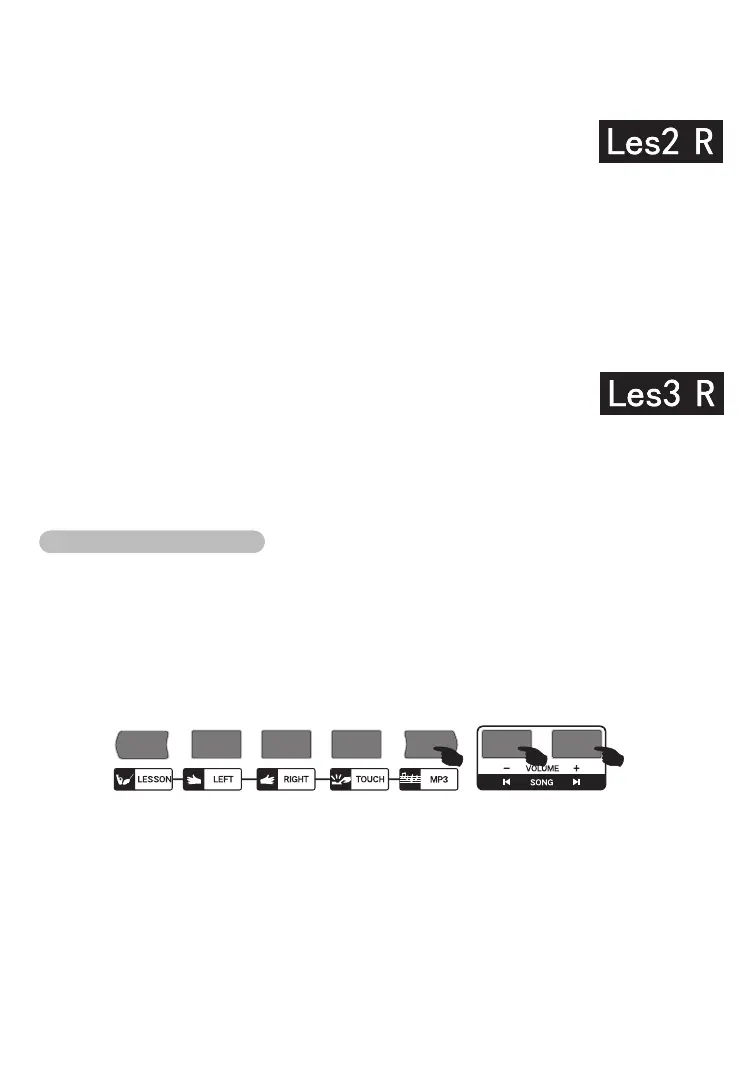
Pressing【MP3】button to play or pause to play external U disk equipment songs
Pressing【PLAY/STOP】button can switch present state of songs.
Pressing 【PREVIOUS SONG】button, one song goes backward, pressing
【VOLUME-】button for longer time, the volume will reduce small.
Pressing 【NEXT SONG】button, one song goes forward, pressing 【VOLUME+】button
for longer time the volume will increase large.
13



 To Next Page