O Transport Butto
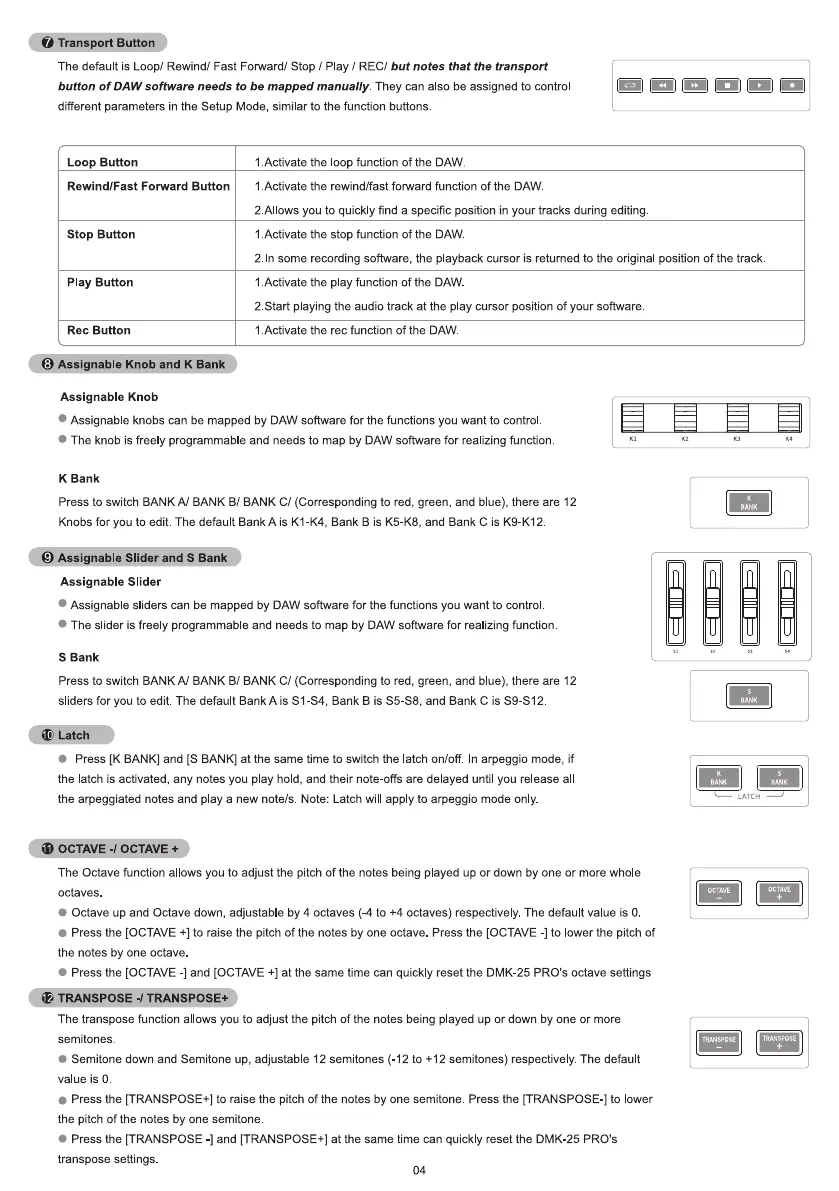
The default is Loop/ Rewind/ Fast Forward/ Stop / Play I RECI but notes that the transport
button of DAW software needs to be mapped manually. They can also be assigned to control
different parameters in the Setup Mode, similar to the function buttons.
Loop Button
Rewind/Fast Forward Button
Stop Button
Play Button
Rec Button
Assignable Knob and K Ban
Assignable Knob
1 Activate the oop function of the DAW.
1 Activate the rewind/fast forward function of the DAW
2 A1ows you to quick y find a specific position in your tracks during editing
1 Activate the stop function of the DAW
2. In some recording software, the playback cursor is returned to the original position of the track
1 Activate the play function of the DAW
2 Start playing the audio track at the play cursor position of your software
1 Activate the rec function of the DAW
Assignable knobs can be mapped by DAW software for the functions you want to control
The knob is free y programmable and needs to map by DAW software for rea izing function
K Bank
Press to switch BANK A/ BANK B/ BANK C/ (Corresponding to red, green, and blue), there are 12
Knobs for you to edit The default Bank A is KI-K4, Bank B is K5-K8, and Bank C is K9-K12
Assignable Slider and S Ban
Assignable Slider
Assignable sliders can be mapped by DAW software for the functions you want to control
The slider is freely programmable and needs to map by DAW software for realizing function
S Bank
Press to switch BANKA/ BANK B/ BANK C/ (Corresponding to red, green, and blue), there are 12
sliders for you to edit. The default Bank A is Sl-S4, Bank B is S5-S8, and Bank C is S9-S12
(O G" WSD
Press [K BANK] and [S BANK] at the same time to switch the atch on/off. In arpeggio mode, if
the latch is activated, any notes you play hold, and their note-offs are delayed until you release al
the arpeggiated notes and play a new note/s Note: Latch will apply to arpeggio mode only.
iD OCTAVE -1OCTAVE
The Octave function allows you to adjust the pitch of the notes being played up or down by one or more whole
octaves
Octave up and Octave down, adjustable by 4 octaves (-4 to +4 octaves) respectively. The default value is O.
Press the [OCTAVE +] to raise the pitch of the notes by one octave Press the [OCTAVE -l to ower the pitch of
the notes by one octave
Press the [OCTAVE -l and [OCTAVE +1at the same time can quickly reset the DMK-25 PRO's octave settings
4)
TRANSPOSE -ITRANSPOSE
The transpose function al Ows you to adjust the pitch of the notes being played up or down by one or more
semitones.
Semitone down and Semitone up, adjustable 12 semitones (-12 to +12 semitones) respectively. The default
value is 0.
Press the [TRANSPOSE+] to raise the pitch of the notes by one semitone Press the [TRANSPOSE-] to lower
the pitch Of the notes by one semitone
• Press the [TRANSPOSE -l and [TRANSPOSE+] at the same time can quickly reset the DMK-25 PRO's
transpose settings
04
BANK
OCTAVE
TRANSPOSE
OCTAVE


 To Next Page
 Loading...


