Home
DoorBot
Intercom System
Intercom System
Page 14
DoorBot Intercom System - Page 14
30 pages
Manual
Save Page as PDF
To Next Page
To Next Page
To Previous Page
To Previous Page
Loading...
S
TEP 2
(WIRED I
NST
ALLA
T
ION ONL
Y)
S
TEP 3
(WIRED I
NST
ALLA
T
ION ONL
Y)
13
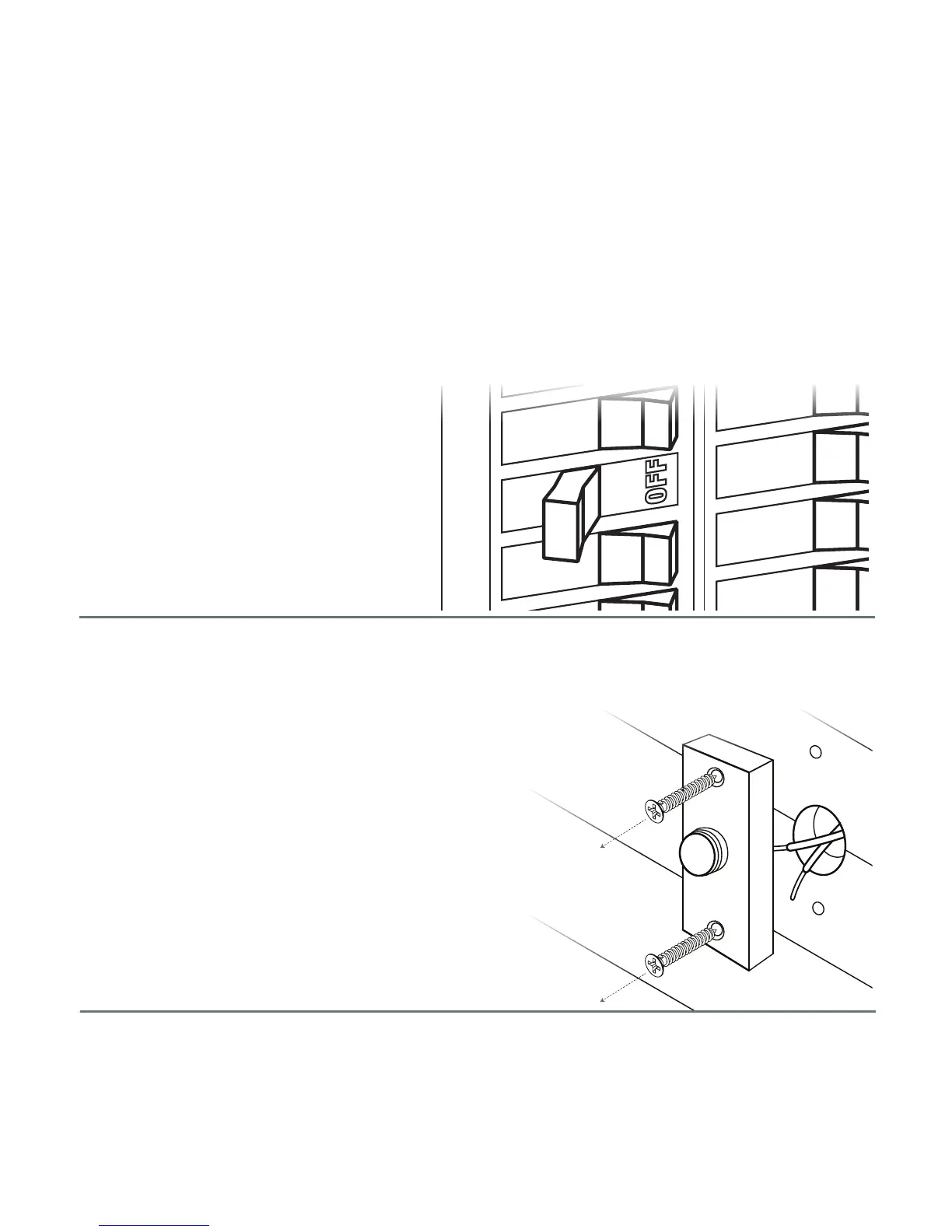
Now find the outlet or cir
cuit br
eaker to tur
n of
f
power to your wir
ed doorbell.
Unscr
ew the doorbell button and detach
the wir
es fr
om the back of the doorbell.
13
15
Table of Contents
Main Page
Table of Contents
2
Doorbot Features
3
In the Box
6
Technical Specifications
7
Technical Requirements
8
Wi-Fi Setup
9
Removing Doorbot from a Network
12
Installation
13
Charging the Battery
20
Camera Rotation
21
Mobile Application
22


 To Next Page