D439E Service Manual 5. Service Tool
259
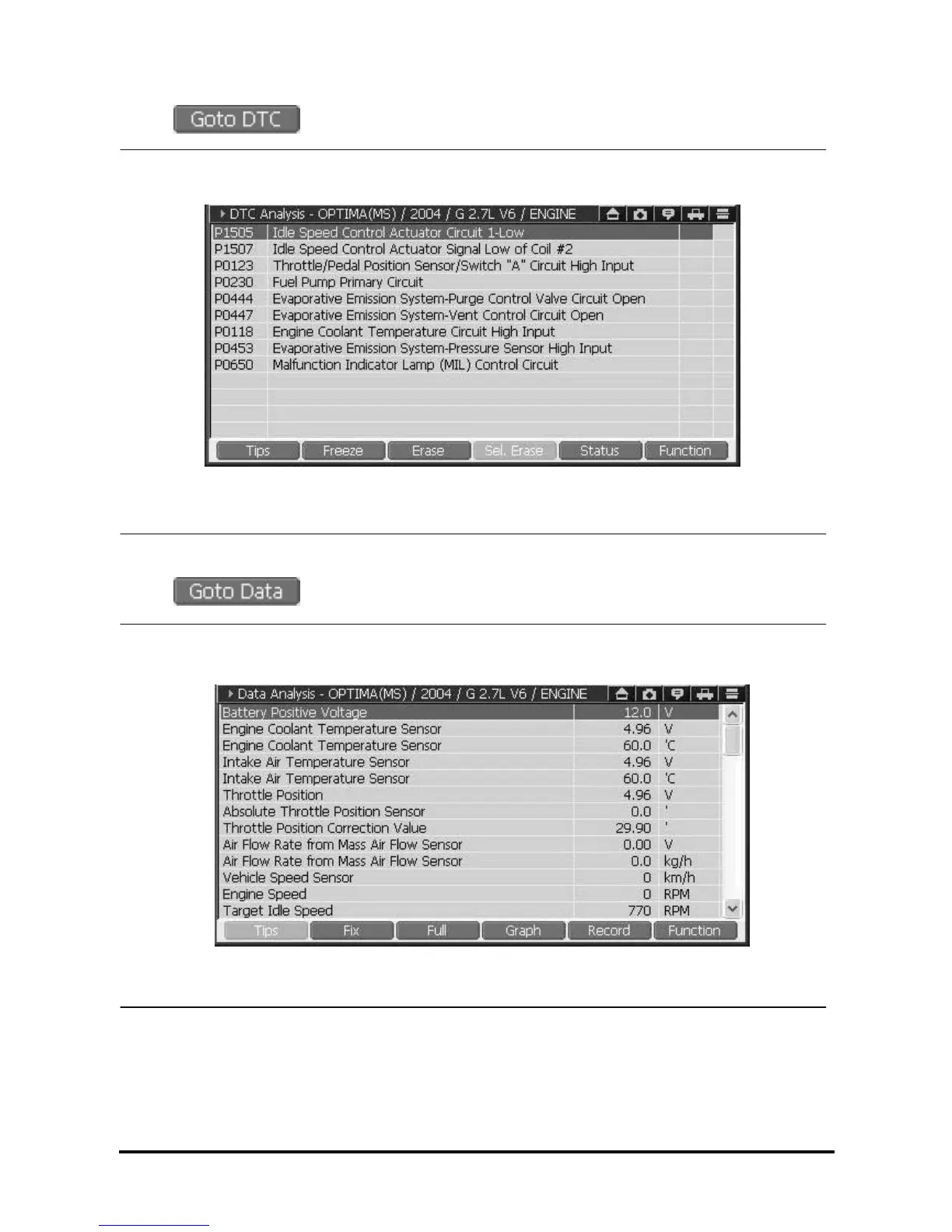
• When is selected, you can erase DTC or check the data of related DTC.
<Figure 3: When ‘GOTO DTC’ is selected>
• When
is selected, you can check the current data of related control module.
<Figure 4: When ‘GOTO DATA’ is selected>



 To Next Page