D439E Service Manual 5. Service Tool
358
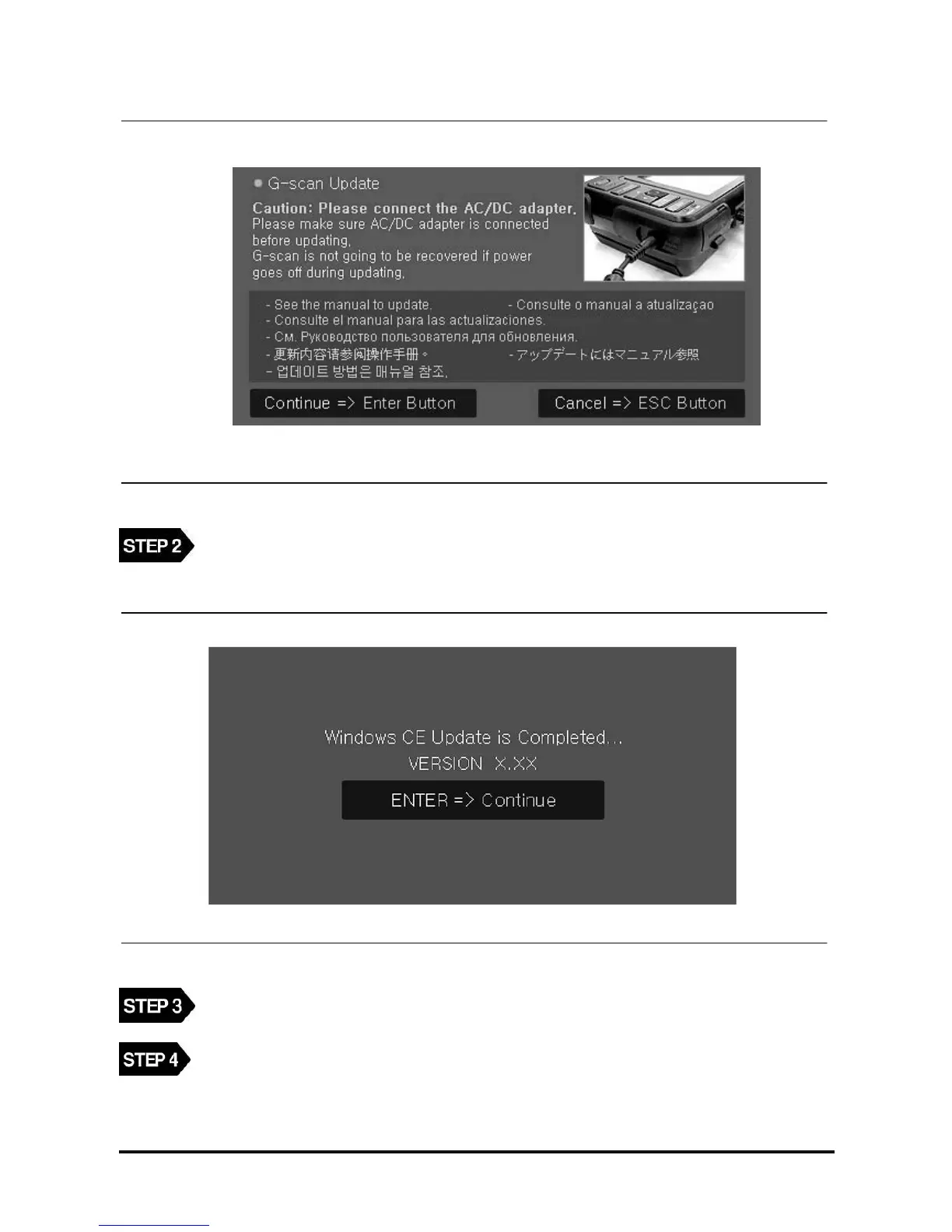
<Figure 4: Screen for confirming the O/S update>
When the screen as in <Figure 4> is shown, press the “Enter” button. (Pressing “ESC” button, the
power will be OFF automatically.)
<Figure 5: Screen for completing the O/S update>
After completing the O/S update, the pop-up window as in <Figure 5> will be shown.
According to the update completing message as in <Figure 5>, press “Enter” button, and it is
changed to G-scan touch screen calibration screen.



 To Next Page