9
EN
BT-200
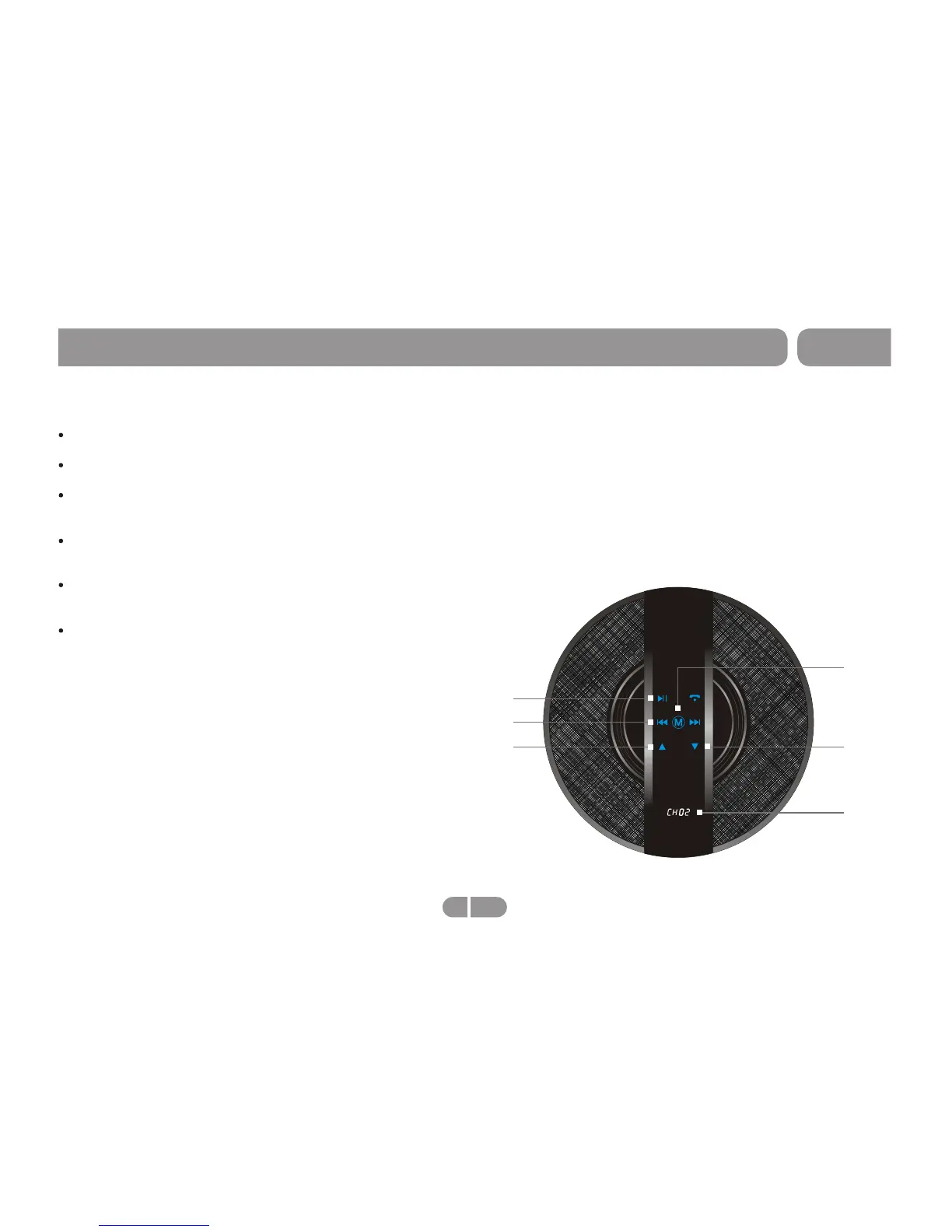
Operation-Auxiliary (CH02)
Play Music:
CH01
Vol-
Previous/Next
Play/Pause
Connect an external audio device to speaker.
Change from default (CH01) to CH02 by press "M" button.
Press "Play/Pause" button to start playing music. While
music is playing press "Play/Pause" to pause the music.
To adjust the volume simply press "Up" to increase the
volume, or "Down" to decrese the volume.
Press "Next" button to skip song, or move to the following
song.
Press "Previous" button to playback song, or start song
over, if song is playing. Press it twice quickly to return to
song prior.
Mode
Vol+


 To Next Page