11
KEYPAD DOOR STATION PROGRAMMING
Setting Notes:
Substitute 1234 for Installer Code
3 Beeps = Incorrect setting, code or location
Long Beep = Correct
* = Exit Programming
Default Installer Code= 1234 New Installer Code ___________
Program New Installer Code
1234 # 01 # New Master Code # * *
Program New User Code Lock 1 (Locations 20-29) New Code
1234 # 20 # New User Code # * Location 20 Default Code = 2580 ____________
1234 # 21 # New User Code # * ____________
1234 # 22 # New User Code # * ____________
Program New User Code Lock 2 (Locations 60-69) New Code
1234 # 60 # New User Code # * Location 60 Default Code = 0852 ____________
1234 # 61 # New User Code # * ____________
1234 # 62 # New User Code # * ____________
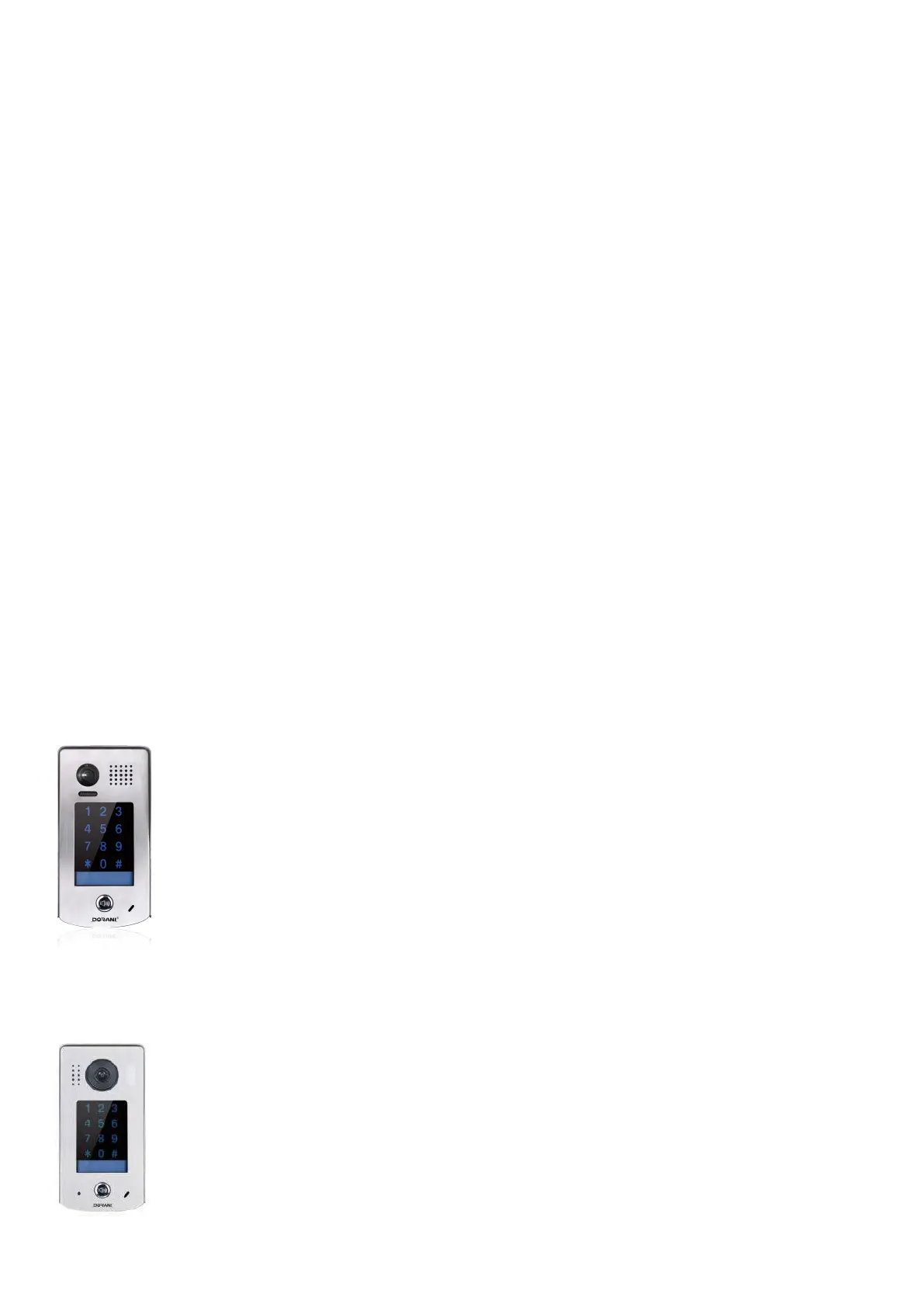
Defaulting Keypad without Code - old style door station
Power Down Door Station
Press and hold call button and Power up System (Hold button for 3
seconds) You will hear a short beep, short beep, long beep, short beep
Release call button
Press and hold call button again for 3 seconds
You will hear a long beep, short beep
Release call button
Press and hold call button again for 3 seconds
You will hear a long beep and the light will change to green
Release call button
System is now defaulted
-Defaulting Keypad without Code - New style door station
-
Power down the system and wait 20 seconds for the system to fully shut down
-Hold down the call button WHILE powering up the system
-You will hear : beep-beep-beep-long beep and the screen will freeze if done
correctly. Release the call button
-
The system will now reboot to factory settings ( about 20 seconds ) with installer
code 1234. Follow steps at the top of this page for user codes to unlock
Lock Time (1 time for both locks)
1234 # 03 # Time (e.g 01) # * Default Time = 05
Defaulting Keypad with Code
1234 # 00 # 1234 # Wait 10 Seconds (Beep will be heard) *


 To Next Page
 Loading...