English
Call voicemail
• Press and hold shortcut button
1
.
Answer mode
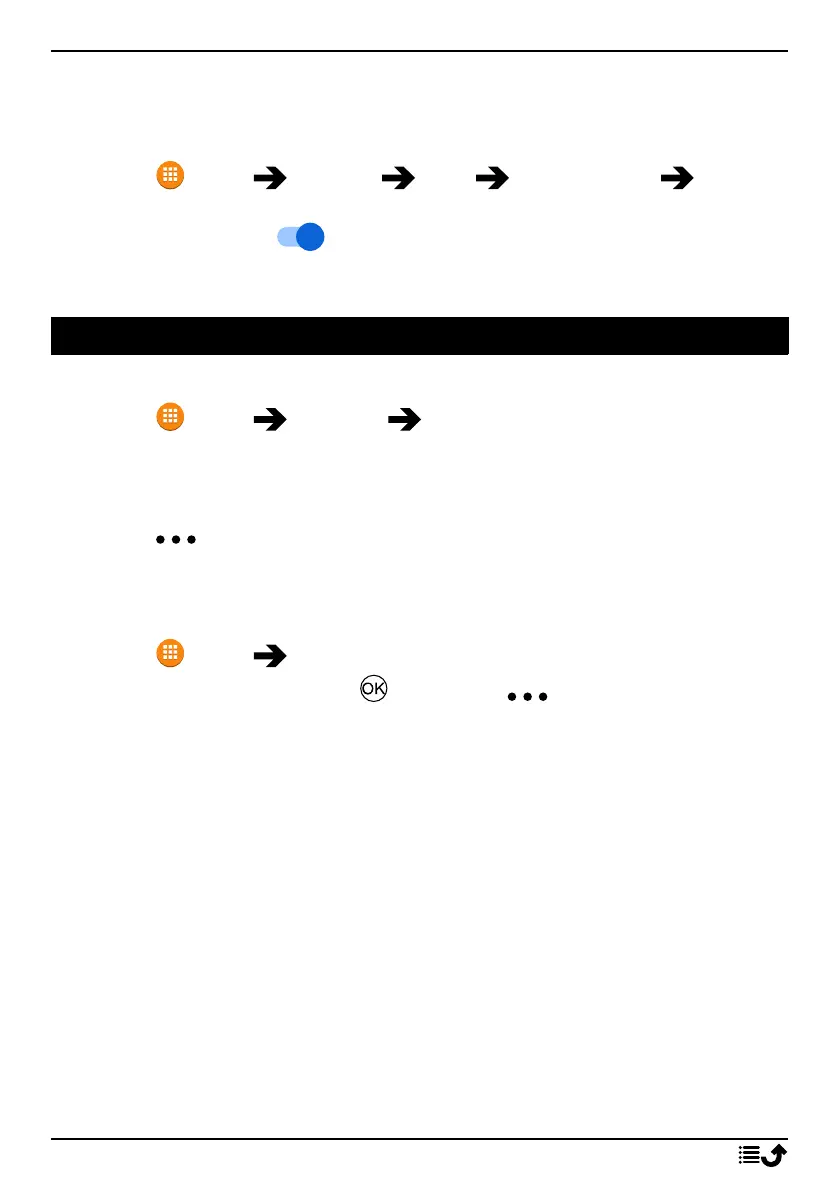
1. Press Menu Settings Calls Answer mode Open to
answer:
2. Enable the switch to answer incoming calls by opening the
phone.
Contacts
Add contact
1. Press Menu Contacts Create new contact and select
where to save it.
2. Enter First name, Surname, Phone and the type of phone number
Email and the type of email for the contact.
3. Press for more options.
4. Press Save.
Manage phonebook contacts
1. Press Menu Contacts.
2. Select a contact and press , then press :
• Add to favourites to set the entry as one of your favourite
contacts.
• Call to call the contact.
• Edit to edit the contact. When done, press Save.
• Message to create a message. See Create and send text message
(SMS)/picture message (MMS), p.29.
• Delete to delete the selected contact. Press delete again to
confirm.
• Share to send the selected contact as a vCard via selected
method.
• Set ringtone to choose a special ringtone for calls from the se-
lected contact.
21



 To Next Page