English
Turn off the phone
1. Press and hold the ! Power button until the options menu opens.
2. In the options menu, tap Power off.
Get to know your phone
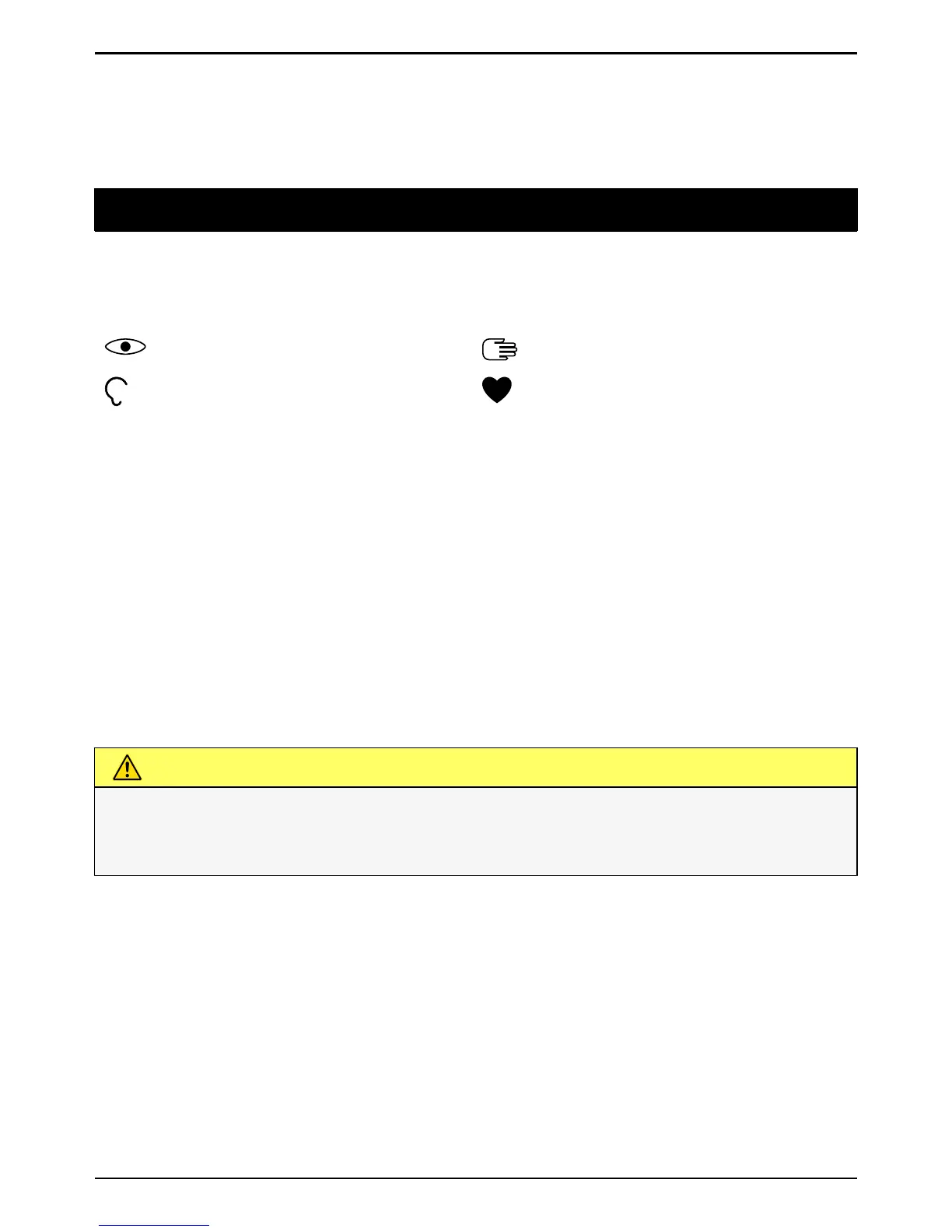
Assistive symbols in the user guide
Use the symbols to guide you through supporting sections in the manual.
Conversational questionnaire
Learn at your own pace! Setting up your phone the first time can be tricky
— we created the conversational questionnaire to help you to easily navi-
gate and explore your device — asking all the right questions so that your
phone is as unique as you. Follow the instructions to start personalising
your new Doro 8030.
Touchscreen motion and gestures
Here is a description of how to use your touchscreen and gestures (mo-
tions that you make with one or two fingers) you can use.
CAUTION
Avoid scratching the touch screen, do not tap it with anything sharp or
allow the touch screen to come into contact with water. Do not touch
the screen if the glass is cracked or shattered.



 To Next Page