English
2. Drag the slider to adjust the sound level or tap:
• Silent.
• Sleep.
• Sound.
Notification panel and status bar
Status bar
The status bar, located at the top of your screen, shows signal strength,
ongoing and new applications as well as battery status. Indicator icons
appear when something new happens, like new message or missed call.
Notification panel
Open the notification panel to view more information about the icons in
the status bar, to view your notifications and manage quick phone set-
tings like Wi-Fi or Aeroplane mode.
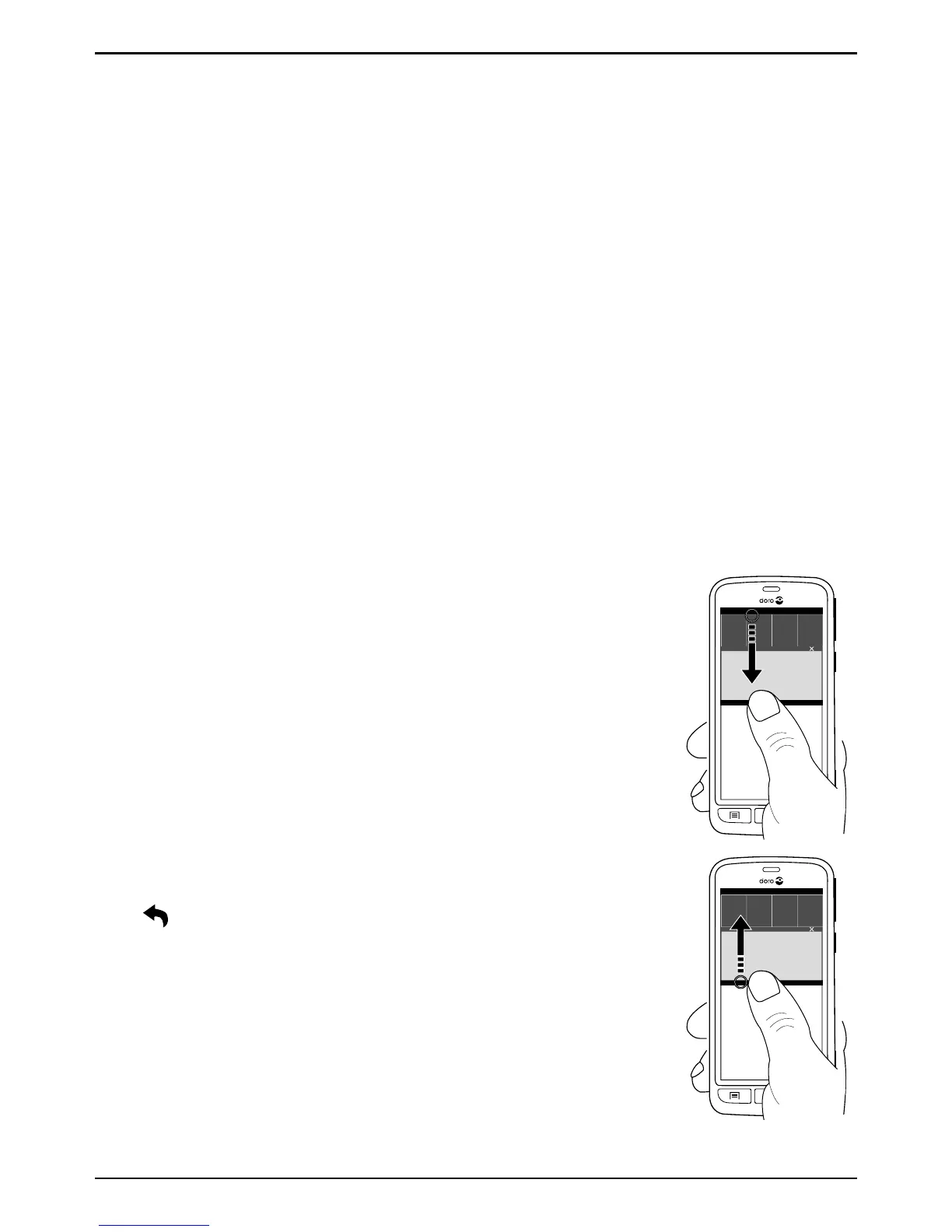
Open and close the notification panel
To open the notification panel,
swipe the status bar downwards.
To close the notification panel,
swipe upwards on the screen. Or
tap
.
Clear the notification list



 To Next Page