English
Messages settings
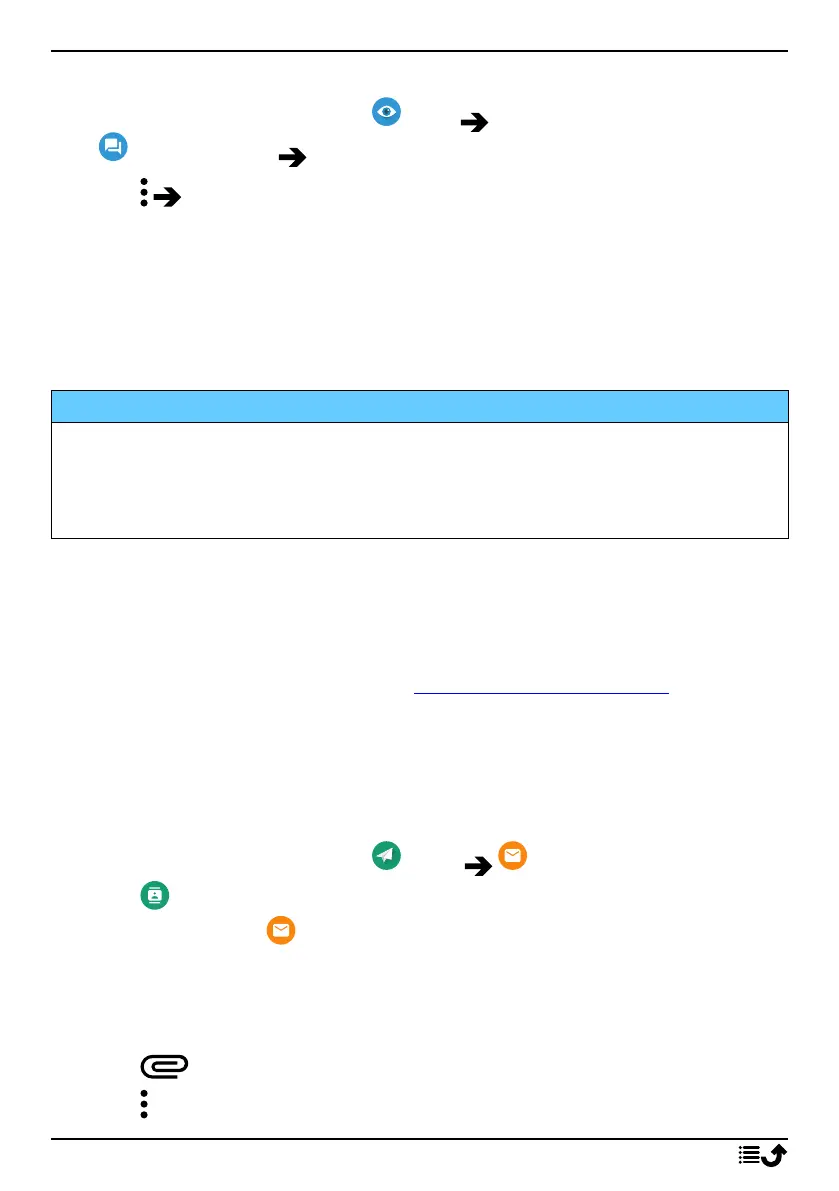
1. From the Home screen, tap View
My messages Messages.
2. Tap Settings.
Note! Message settings are normally already set and should not need to be
altered by you, unless, of course you want to make changes. Some
features are network services and you may need to subscribe to them first.
For more information contact your service provider.
Email
IMPORTANT!
You need an Internet connection to use this service. It is recommended
to use Wi-Fi connections when available to reduce costs for data traffic.
Contact your service provider for detailed subscription costs before
activating.
Note! Pay attention to what account is selected if you have more than one
account on your device.
Tip: Gmail is pre-installed and available under Google that you reach from
the Home screen. For more help see support.google.com/mail/.
You can of course install other email client apps if you wish.
Write emails
Here we will explain how to send an email to a contact that is available in
your contact book.
1. From the Home screen, tap Send An email.
2. Tap To contact.
Alternatively tap To email address.
3. Tap to select one or several contacts.
4. Compose your text.
5. Enter a subject.
6. Tap to attach files to the email.
7. Tap for more options.
60



 To Next Page